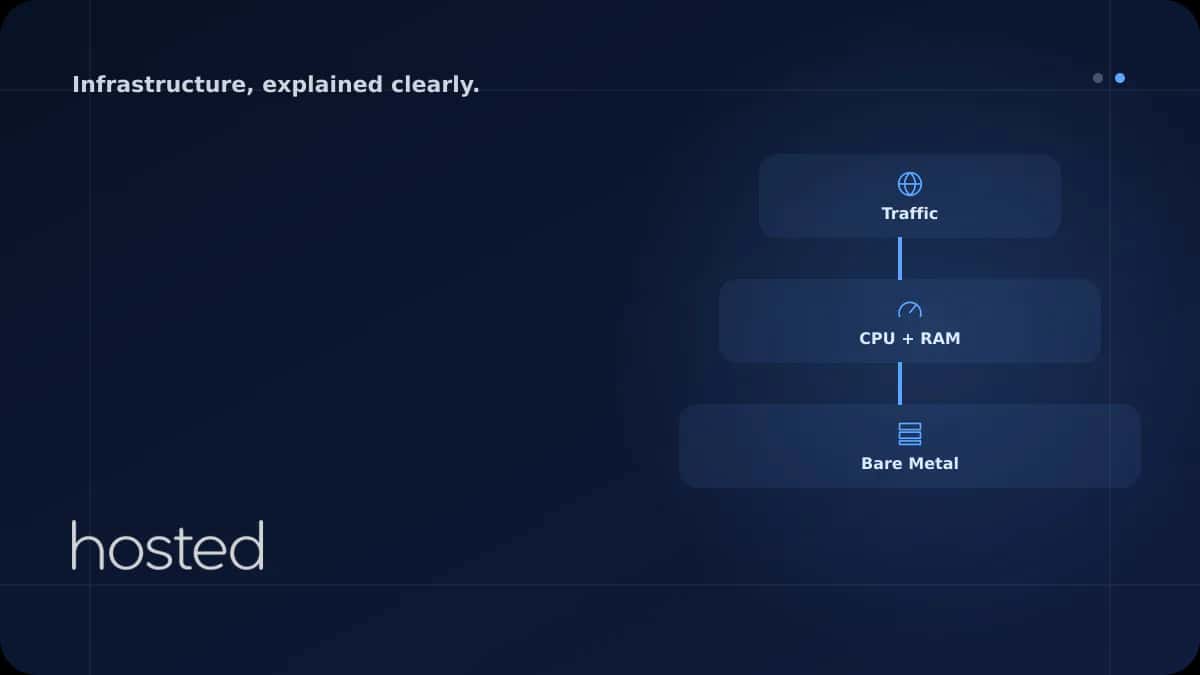
Bare Metal Server Sizing for High-Traffic Sites
Bare metal server sizing guide for high-traffic web applications: CPU, RAM, disk, and bandwidth calculation methods with practical recommendations.
Ahmet Yılmaz
Senior Infrastructure Engineer
500,000+ daily page views, 10,000 simultaneous connections, or intensive database queries - at this scale, shared hosting or small VPS instances fall short. Bare metal server sizing helps you strike the right balance between performance and cost by accurately calculating the CPU, RAM, disk, and bandwidth suited to your workload. In this guide, we cover each component individually and provide practical sizing recommendations by workload type.
Why Bare Metal?
Direct hardware access without a virtualization layer (hypervisor) is the fundamental advantage of bare metal servers. In high-traffic applications, this difference translates into tangible performance gains: CPU cycles are not shared, there is no additional latency in memory access, and there are no "noisy neighbor" issues with disk I/O. Especially for database-heavy workloads, e-commerce platforms, and real-time applications, bare metal delivers predictable and consistent performance.
💡 Tip: Bare metal is not always the right choice. If traffic patterns are unpredictable and sudden scaling is needed, a cloud server may be more suitable. Bare metal is ideal for applications running under consistent, high load.
CPU Selection and Core Calculation
There are two key decisions in CPU selection: core count and clock speed. Web servers (Nginx, Apache) and application servers (Node.js, PHP-FPM) typically handle many concurrent connections - in this case, core count takes priority. Database queries and single-threaded operations benefit from higher clock speeds.
Practical Calculation Method
As a rough guide for a web application: allocate 1 CPU core per 1,000 concurrent connections. PHP-FPM worker count is typically configured at 2-4 times the core count. In Node.js cluster mode, each core runs one worker process. If the database server is separate, plan to allocate 40-50% of total cores to the database.
# CPU core count and model info
lscpu | grep -E "Model name|Socket|Core|Thread"

# Real-time CPU usage (per core)
mpstat -P ALL 1 5

# Set PHP-FPM worker count based on cores
# /etc/php/8.3/fpm/pool.d/www.conf
# pm.max_children = CPU_CORE * 4 (e.g., 16 cores → 64 workers)
RAM Planning
Insufficient RAM causes the server to swap to disk, resulting in a dramatic performance drop. RAM planning for high-traffic applications should cover the following components:
-
Operating System + Services Linux OS, systemd services, monitoring agents: ~1-2 GB.
-
Web Server (Nginx/Apache) Nginx has low memory consumption (~2-10 MB/worker). Apache in prefork mode uses ~20-50 MB per child process.
-
Application Layer (PHP-FPM / Node.js) PHP-FPM ~30-80 MB per worker (varies by application). 64 workers × 50 MB = ~3.2 GB. Node.js ~100-300 MB per process.
-
Database (MySQL/PostgreSQL) MySQL InnoDB buffer pool: 60-70% of total RAM (on a dedicated DB server). PostgreSQL shared_buffers: 25% of RAM + effective_cache_size: 50-75%.
-
Cache Layer (Redis/Memcached) For session and object cache: typically 2-8 GB. Can be 16 GB+ for large e-commerce sites.
⚠️ Important: Add 20-30% headroom to your total calculated RAM. This buffer is critical for traffic spikes and OS file cache. SWAP configuration should be set up as a fallback, but the real solution is sufficient physical RAM.
Disk and I/O Strategy
In high-traffic applications, disk I/O is often the biggest bottleneck. Database queries, log writing, and file serving require constant disk access. Three key metrics matter in disk selection: IOPS (input/output operations per second), throughput (MB/s), and latency.
| Disk Type | IOPS (4K random) | Throughput | Use Case |
|---|---|---|---|
| HDD (7200 RPM) | ~100-200 | ~150-200 MB/s | Archive, backup, log storage |
| SATA SSD | ~50,000-90,000 | ~500-550 MB/s | General web hosting, medium traffic |
| NVMe SSD | ~500,000-1,000,000+ | ~3,000-7,000 MB/s | Database, high traffic, e-commerce |
NVMe SSD is essential for database servers. Ensure both performance and redundancy with a RAID 10 configuration. Using a separate disk/partition for log files and static assets isolates database I/O.
Bandwidth and Networking
Bandwidth calculation: average page size × requests per second. For example, 2 MB average page size and 500 requests per second = 1,000 MB/s = ~8 Gbps. This calculation does not include CDN usage - moving static assets to a CDN can reduce bandwidth requirements by 60-80%.
# Real-time bandwidth usage
vnstat -l -i eth0

# Monthly traffic summary
vnstat -m

# Check network interface speed (1G / 10G)
ethtool eth0 | grep Speed
For sites with 1 million+ daily page views, a 1 Gbps connection is generally sufficient (combined with CDN). If you're doing video streaming or large file distribution, a 10 Gbps connection may be needed. You can use your existing bandwidth more efficiently with network performance optimization.
Sizing Table by Workload
The following table serves as a starting point for common workloads. Actual requirements vary based on your application architecture, database size, and traffic patterns - always perform load testing before going to production.
| Scenario | CPU | RAM | Disk | Bandwidth |
|---|---|---|---|---|
| WordPress / Blog ~100K pages/day |
8 core | 16 GB | 256 GB NVMe | 1 Gbps |
| E-Commerce (WooCommerce/Magento) ~500K pages/day |
16-24 core | 64 GB | 2× 512 GB NVMe (RAID 1) | 1 Gbps |
| SaaS / API Backend ~10K req/s |
24-32 core | 64-128 GB | 4× 1 TB NVMe (RAID 10) | 1-10 Gbps |
| Database Server (MySQL/PG) ~50 GB+ dataset |
16-32 core (high GHz) | 128-256 GB | 4× 2 TB NVMe (RAID 10) | 1 Gbps (internal) |
| Video Streaming / CDN Origin ~1M+ views/day |
16 core | 32-64 GB | High capacity HDD + NVMe cache | 10 Gbps |
💡 Tip: After making your sizing estimate, simulate real scenarios with load testing tools like Locust or k6. A 30-50% difference between estimates and reality is normal.
Frequently Asked Questions
Should I choose a bare metal server or multiple VPS instances?
For a single application running under consistent high load, bare metal is more efficient. If you're running multiple independent services or need horizontal scaling, multiple VPS instances or virtualization on bare metal (Proxmox) may be more flexible.
How can I test my server sizing?
Simulate expected traffic volumes with load testing tools (k6, Locust, Apache Bench) before going to production. Monitor CPU, RAM, and disk I/O metrics to identify bottlenecks. If you don't have real traffic data, use resource usage from similar-scale sites as a reference.
Should the database and web server be on the same machine?
At small to medium scale, they can run on the same server. However, at 500K+ daily page views or 50 GB+ database size, separating web and database servers is the right decision for both performance and scalability.
What should I do if my server becomes insufficient?
First, identify the bottleneck (CPU, RAM, disk I/O, network). Application-level optimization (cache, query tuning, CDN) usually comes before hardware upgrades. If a hardware upgrade is needed, you can review Hosted Cloud dedicated server plans.
Conclusion
Bare metal server sizing starts with correctly analyzing your workload. Plan CPU core count based on concurrent connections, RAM based on the total of application + database + cache, disk type based on I/O requirements, and bandwidth based on traffic volume. Validate your estimates with load testing and leave 20-30% headroom. A properly sized bare metal server consistently delivers higher performance than equivalent cloud resources at the same cost.
High-Performance Bare Metal Server
Build a solution tailored to your workload with NVMe SSD, 1-10 Gbps connectivity, and flexible hardware configuration on Hosted Cloud dedicated servers.
View Dedicated Server Plans →Ahmet Yılmaz
Senior Infrastructure Engineer
With over 10 years of experience in cloud infrastructure and DevOps, Ahmet specializes in Kubernetes, Terraform, and high-availability architectures.
Comments coming soon