Database Security: Access Control and Encryption for MySQL and PostgreSQL
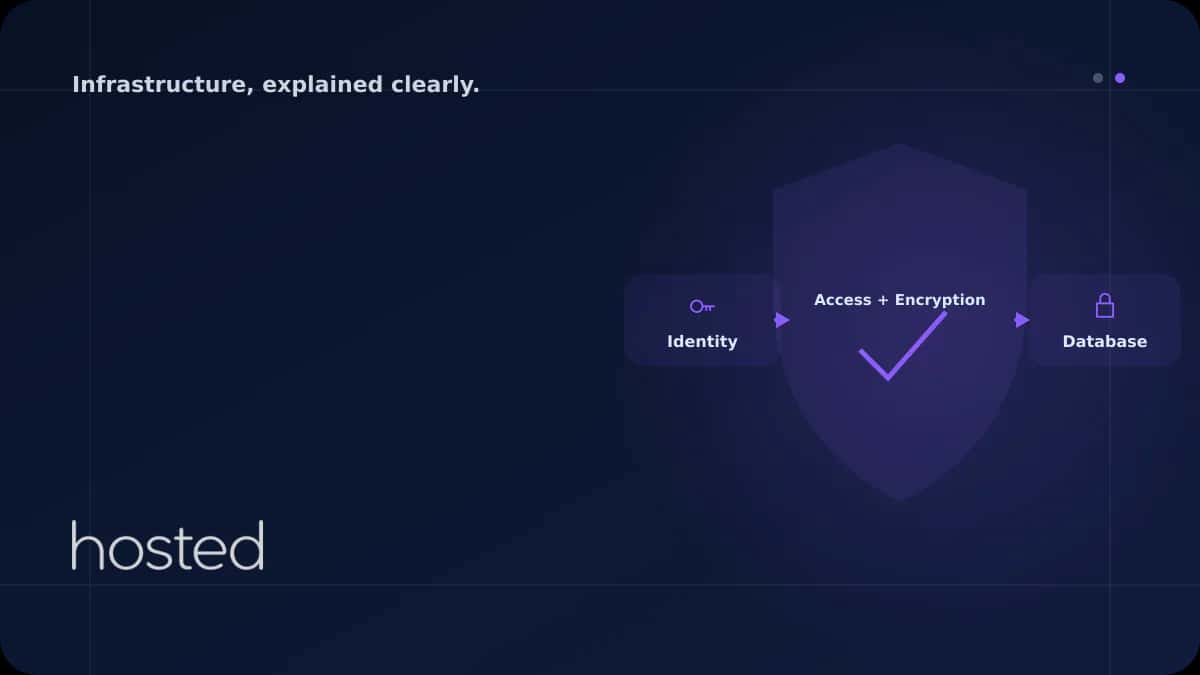
Databases hold your application's most valuable asset - data. A database breach can lead to customer data leaks, financial loss, and reputation damage. Default installations of MySQL and PostgreSQL do not provide adequate security for production environments. This guide covers all layers of database
Can Kaya
Security Specialist
Databases hold your application's most valuable asset - data. A database breach can lead to customer data leaks, financial loss, and reputation damage. Default installations of MySQL and PostgreSQL do not provide adequate security for production environments. This guide covers all layers of database security from access control to encryption, audit logs to backup security.
Access Control and Authorization
The principle of least privilege is the foundation of database security. Every application and user should only be able to access the tables and operations they need. Never use root/superuser accounts for application connections.
-- Limited privilege user for application
CREATE USER 'app_user'@'10.0.10.%'
  IDENTIFIED BY 'strong_password_32_chars';

-- Only necessary privileges
GRANT SELECT, INSERT, UPDATE, DELETE
  ON myapp.* TO 'app_user'@'10.0.10.%';

-- Separate user for backups (read-only)
CREATE USER 'backup_user'@'localhost'
  IDENTIFIED BY 'another_strong_password';
GRANT SELECT, LOCK TABLES, SHOW VIEW, RELOAD
  ON *.* TO 'backup_user'@'localhost';

-- Remove unnecessary users
DROP USER IF EXISTS ''@'localhost';  -- Anonymous user
FLUSH PRIVILEGES;
Network Security and Connection Encryption
Do not expose database ports (MySQL: 3306, PostgreSQL: 5432) to the internet. Allow connections only from application servers. Encrypt client-server traffic with TLS.
# PostgreSQL access control - pg_hba.conf
# TYPE  DATABASE  USER       ADDRESS        METHOD

# Local connection (Unix socket)
local   all       postgres                  peer

# Application server (TLS required)
hostssl myapp     app_user   10.0.10.0/24   scram-sha-256

# Reject all other connections
host    all       all        0.0.0.0/0      reject
⚠️ Warning: The md5 authentication method in PostgreSQL is no longer considered secure. PostgreSQL 14+ uses scram-sha-256 by default. Migrate your existing installations to scram-sha-256.
Data Encryption: In-Transit and At-Rest
| Encryption Type | Scope | Implementation |
|---|---|---|
| In-Transit | Client-server traffic | TLS 1.2+ (require_secure_transport) |
| At-Rest (Disk) | Data on disk | LUKS/dm-crypt or TDE |
| Column-Level | Sensitive fields | pgcrypto / AES_ENCRYPT |
| Backup | Backup files | GPG / openssl enc encryption |
For database backup automation, check our backup guide. For server security, see our Hardening Checklist. For network isolation, review our VPC guide. Build your secure database infrastructure with Hosted Cloud cloud servers.
Frequently Asked Questions
Why is exposing database ports to the internet dangerous?
Internet-exposed database ports invite brute force attacks, exploitation of known vulnerabilities, and data leaks. Scanning engines like Shodan detect open database ports within minutes.
Does at-rest encryption affect performance?
Thanks to AES-NI hardware acceleration in modern CPUs, at-rest encryption performance impact is typically 2-5%. This cost is acceptable for systems holding sensitive data.
Does an ORM completely prevent SQL injection?
ORMs significantly reduce SQL injection risk by using parameterized queries. However, risks remain with raw query usage, dynamic table/column names, and ORM bypass scenarios. Input validation should always be applied as an additional layer.
How long should database audit logs be retained?
PCI DSS requires at least 1 year of retention (3 months immediately accessible). For GDPR, data processing logs should be kept for the duration of the related data's retention period. General recommendation is minimum 90 days, ideally 1 year.
Does connection pooling create a security risk?
Connection pooling does not create a security risk when properly configured. However, all connections in the pool share the same database user. If different privilege levels are needed, create separate pools.
Conclusion
Database security requires a multi-layered approach. Protect your data with least-privilege access control, TLS connection encryption, at-rest encryption, and regular audit logs. Encrypt your backups and never expose database ports to the internet.
Secure Database Infrastructure
Build your database infrastructure with isolated networking, encrypted connections, and automatic backups on Hosted Cloud cloud servers.
Explore Cloud Server Plans →Can Kaya
Security Specialist
CISSP-certified security expert creating content on cybersecurity, DDoS protection, and server hardening.
Comments coming soon