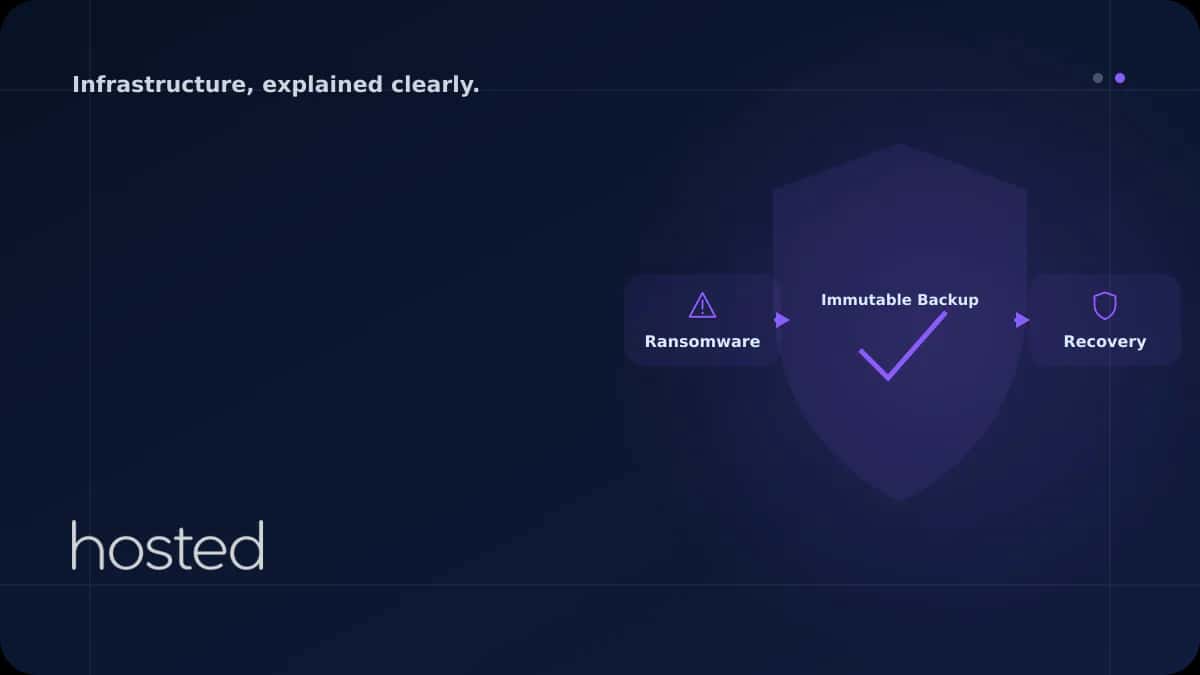
Server and Backup Strategies Against Ransomware Attacks
Ransomware attacks cause over $20 billion in global damage annually in 2025. Attackers encrypt your files and demand ransom for the decryption key. If you have no backups or your backups are also encrypted, your options are extremely limited. This guide covers prevention, detection, and recovery str
Elif Demir
Cloud Solutions Architect
Ransomware attacks cause over $20 billion in global damage annually in 2025. Attackers encrypt your files and demand ransom for the decryption key. If you have no backups or your backups are also encrypted, your options are extremely limited. This guide covers prevention, detection, and recovery strategies against ransomware.
Ransomware Attack Vectors
| Vector | Method | Prevention |
|---|---|---|
| RDP/SSH Brute Force | Remote access with weak passwords | Key-based auth, Fail2Ban, VPN |
| Phishing | Malicious email attachment/link | Email filtering, MFA, training |
| Vulnerability | Outdated software | Automatic updates, WAF |
| Supply Chain | Untrusted dependencies | Dependency scanning, signature verification |
3-2-1 Backup Rule and Immutable Backups
The most effective defense against ransomware is properly configured backups. The 3-2-1 rule: 3 copies, 2 different media, 1 offsite. Critical addition: at least one backup must be immutable (unchangeable).
⚠️ Warning: Regularly verify your backups by performing restore tests. An untested backup is not a backup. Conduct monthly restore drills and measure your RTO (Recovery Time Objective).
For server security, check our Hardening Checklist. For backup automation, see our Snapshot and Backup guide. For network security, review our VPC guide. Build your infrastructure with automatic backup support on Hosted Cloud cloud servers.
Frequently Asked Questions
Should I pay the ransom?
Security experts and law enforcement recommend not paying the ransom. Even if payment is made, there is no guarantee of data recovery, and it encourages attackers. A proper backup strategy eliminates the need to pay ransom.
What is an immutable backup?
An immutable backup cannot be deleted or modified for a specified period. S3 Object Lock, WORM (Write Once Read Many) storage, or air-gapped backups fall into this category. Ransomware cannot encrypt these backups.
Are Linux servers also ransomware targets?
Yes, Linux-targeting ransomware groups are increasing. ESXi servers, database servers, and web servers are being targeted. The assumption that Linux is "secure" is dangerous; the same security measures should be applied.
What are RTO and RPO?
RTO (Recovery Time Objective) is how quickly the system will be restored, RPO (Recovery Point Objective) is how much data loss is acceptable. Hourly backup = max 1 hour data loss (RPO). Define these metrics based on your business requirements.
Conclusion
The most effective defense against ransomware is prevention and preparation. Strengthen the 3-2-1 backup rule with immutable backups, apply server hardening, and regularly test your incident response plan. Instead of paying ransom, recover within minutes with the right backup strategy.
Secure Infrastructure with Automatic Backups
Get daily automatic backups and snapshot support with Hosted Cloud cloud servers.
Explore Cloud Server Plans →Elif Demir
Cloud Solutions Architect
Specializing in enterprise cloud migration projects and hybrid infrastructure design with 8 years of experience in AWS, Azure, and private cloud environments.
Comments coming soon