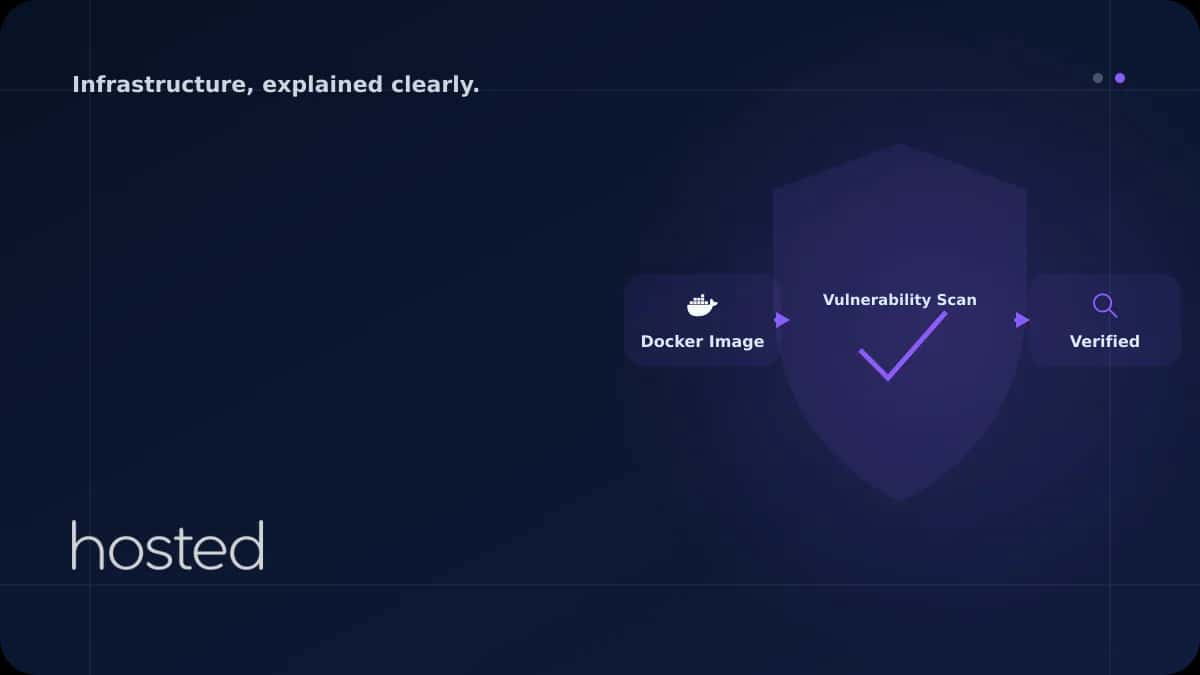
Container Güvenliği: Docker Image Tarama ve Güvenli Hale Getirme
Container'lar uygulama dağıtımını kolaylaştırır ancak yanlış yapılandırılmış container'lar ciddi güvenlik riskleri oluşturur. Snyck'in 2024 raporuna göre Docker Hub'daki popüler image'ların %75'i bilinen güvenlik açıkları içermektedir. Bu rehberde Docker image tarama, minimal base image kullanımı, r
Can Kaya
Güvenlik Uzmanı
Container'lar uygulama dağıtımını kolaylaştırır ancak yanlış yapılandırılmış container'lar ciddi güvenlik riskleri oluşturur. Snyck'in 2024 raporuna göre Docker Hub'daki popüler image'ların %75'i bilinen güvenlik açıkları içermektedir. Bu rehberde Docker image tarama, minimal base image kullanımı, rootless container ve runtime güvenlik politikalarını ele alıyoruz.
Docker Image Güvenlik Taraması
Her Docker image'ı build sonrası ve deploy öncesi güvenlik taramasından geçirilmelidir. Trivy, Grype ve Snyk en yaygın açık kaynak tarama araçlarıdır. CI/CD pipeline'ınıza entegre ederek kritik açık içeren image'ların deploy edilmesini engelleyin.
# Trivy ile image tarama
trivy image myapp:latest

# Yalnizca CRITICAL ve HIGH aciklari goster
trivy image --severity CRITICAL,HIGH myapp:latest

# CI/CD'de kullanim: kritik acik varsa build'i durdur
trivy image --exit-code 1 --severity CRITICAL myapp:latest

# Dockerfile tarama
trivy config --severity CRITICAL,HIGH .

# Grype ile alternatif tarama
grype myapp:latest
Güvenli Dockerfile Yazımı
# Multi-stage build ile minimal image
FROM node:20-alpine AS builder
WORKDIR /app
COPY package*.json ./
RUN npm ci --only=production
COPY . .
RUN npm run build

# Uretim image'i - distroless veya alpine
FROM node:20-alpine
WORKDIR /app

# Root olmayan kullanici olustur
RUN addgroup -S appgroup && adduser -S appuser -G appgroup

# Yalnizca gerekli dosyalari kopyala
COPY --from=builder /app/dist ./dist
COPY --from=builder /app/node_modules ./node_modules

# Root olmayan kullanici ile calistir
USER appuser

# Saglik kontrolu
HEALTHCHECK --interval=30s --timeout=3s \
  CMD wget -qO- http://localhost:3000/health || exit 1

EXPOSE 3000
CMD ["node", "dist/main.js"]| Base Image | Boyut | CVE Sayısı | Kullanım |
|---|---|---|---|
| ubuntu:22.04 | 77 MB | 30-50+ | Geliştirme ortamı |
| alpine:3.19 | 7 MB | 0-5 | Üretim (önerilen) |
| distroless | 2-15 MB | 0-2 | Maksimum güvenlik |
💡 İpucu: Distroless image'lar shell, paket yöneticisi ve gereksiz araçları içermez. Saldırgan container'a erişse bile shell çalıştıramaz. Go, Java ve Node.js için Google'ın distroless image'larını kullanın.
Docker multi-stage build detayları için Docker Multi-Stage Build rehberimizi, Kubernetes güvenliği için Kubernetes rehberimizi inceleyin. Sunucu güvenliği için Hardening Checklist yazımıza göz atın. Hosted Cloud bulut sunucuları ile container altyapınızı güvenle çalıştırın.
Sıkça Sorulan Sorular
Container'lar VM'lerden daha mı güvensiz?
Container'lar kernel'ı host ile paylaşır, bu nedenle izolasyon VM'lere göre daha zayıftır. Ancak doğru yapılandırma (rootless, seccomp, AppArmor) ile container güvenliği üretim ortamı için yeterli seviyeye getirilebilir.
Docker Hub'dan image çekmek güvenli mi?
Yalnızca "Official" ve "Verified Publisher" etiketli image'ları tercih edin. Her durumda çektiğiniz image'ı Trivy ile tarayın. Üretim ortamı için kendi private registry'nizi kullanmanız ve image'ları imzalamanız önerilir.
Rootless container nedir?
Rootless container, Docker daemon'ın ve container'ın root yetkisi olmadan çalıştığı moddur. Container'dan kaçış (container escape) durumunda saldırgan host'ta root yetkisi elde edemez. Docker 20.10+ ve Podman varsayılan olarak rootless destekler.
Image taramayı ne sıklıkla yapmalıyım?
Her build'de CI/CD pipeline'ında otomatik tarama yapın. Ayrıca registry'deki mevcut image'ları haftalık olarak yeniden tarayın - yeni CVE'ler keşfedildikçe daha önce güvenli olan image'lar risk oluşturabilir.
Alpine image'lar her zaman en iyi seçim mi?
Alpine küçük boyutu ve az CVE sayısı ile genellikle iyi bir seçimdir. Ancak musl libc kullanır ve bazı uygulamalarla uyumluluk sorunları yaşanabilir. glibc gerektiren uygulamalar için Debian slim veya distroless tercih edin.
Sonuç
Container güvenliği build aşamasından runtime'a kadar çok katmanlı bir yaklaşım gerektirir. Minimal base image kullanın, her build'de güvenlik taraması yapın, container'ları root olmayan kullanıcıyla çalıştırın ve runtime güvenlik politikaları uygulayın.
Container-Ready Altyapı
Hosted Cloud bulut sunucuları ile Docker ve Kubernetes altyapınızı güvenle çalıştırın.
Bulut Sunucu Planlarını İncele →Can Kaya
Güvenlik Uzmanı
Siber güvenlik, DDoS koruması ve sunucu sertleştirme konularında içerikler üretmektedir. CISSP sertifikalı güvenlik uzmanı.
Yorumlar yakında