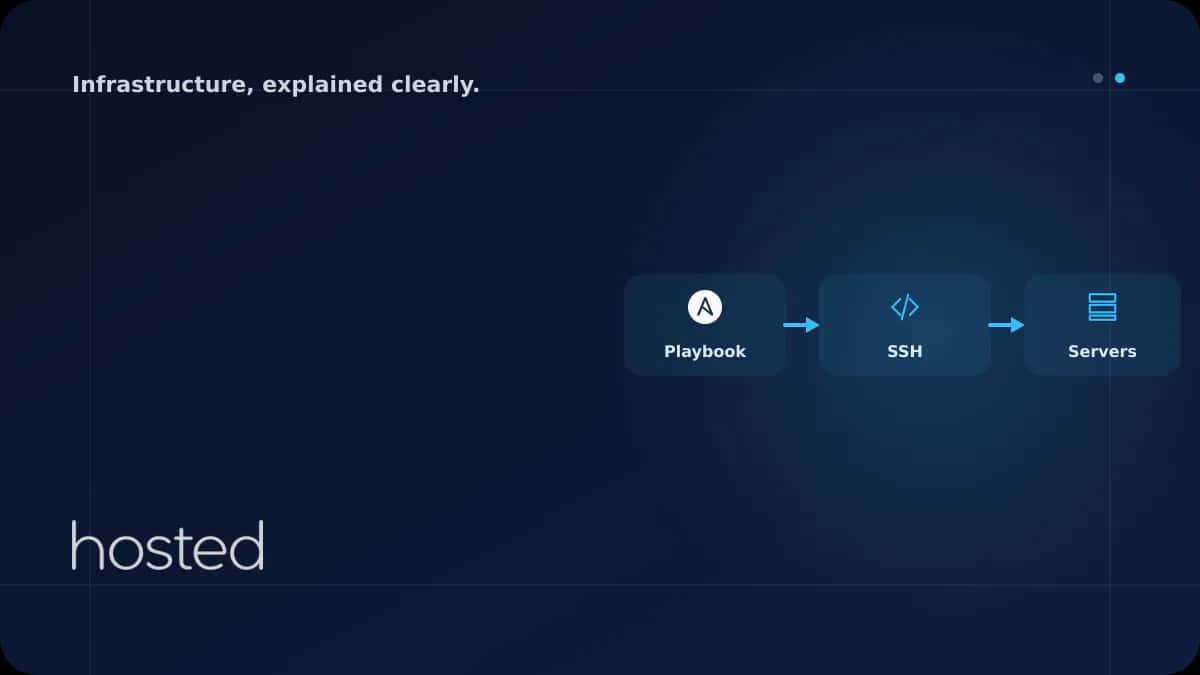
Ansible ile Sunucu Yapılandırma Otomasyonu: Playbook Yazımı
Onlarca sunucuya aynı paketleri kurmak, konfigürasyon dosyalarını dağıtmak ve servisleri yeniden başlatmak SSH ile tek tek yapıldığında saatler alır ve hata riski yüksektir. Ansible, agentless mimarisiyle SSH üzerinden sunucularınızı YAML tabanlı playbook'larla yapılandırır. Bu rehberde inventory yö
Merve Arslan
WordPress & Hosting Uzmanı
Onlarca sunucuya aynı paketleri kurmak, konfigürasyon dosyalarını dağıtmak ve servisleri yeniden başlatmak SSH ile tek tek yapıldığında saatler alır ve hata riski yüksektir. Ansible, agentless mimarisiyle SSH üzerinden sunucularınızı YAML tabanlı playbook'larla yapılandırır. Bu rehberde inventory yönetimi, playbook yazımı, role yapısı ve idempotent otomasyon pratiklerini ele alıyoruz.
Ansible Temelleri
Ansible'ın en büyük avantajı hedef sunuculara agent kurulumu gerektirmemesidir. SSH bağlantısı ve Python yeterlidir. Kontrol makinenizden (laptop veya CI runner) playbook'ları çalıştırırsınız.
| Kavram | Açıklama | Örnek |
|---|---|---|
| Inventory | Yönetilecek sunucu listesi | hosts.yml |
| Playbook | Yapılacak işlerin YAML tanımı | setup-web.yml |
| Task | Tek bir işlem adımı | apt install nginx |
| Role | Yeniden kullanılabilir task paketi | roles/nginx/ |
Inventory Yönetimi
Inventory dosyası, Ansible'ın hangi sunuculara bağlanacağını tanımlar. Sunucuları gruplara ayırarak farklı playbook'ları farklı gruplara uygulayabilirsiniz.
all:
  children:
    webservers:
      hosts:
        web-01:
          ansible_host: 10.0.1.10
        web-02:
          ansible_host: 10.0.1.11
    databases:
      hosts:
        db-01:
          ansible_host: 10.0.2.10
  vars:
    ansible_user: deploy
    ansible_ssh_private_key_file: ~/.ssh/deploy_key
Playbook Yazımı
Playbook, sunucularda çalıştırılacak task'ların sıralı listesidir. Her task bir Ansible modülü kullanır ve idempotent olmalıdır - aynı playbook'u birden fazla kez çalıştırmak aynı sonucu vermelidir.
---
- name: Web sunucuları yapılandır
  hosts: webservers
  become: true
  tasks:
    - name: Nginx kur
      apt:
        name: nginx
        state: present
        update_cache: true

    - name: Nginx konfigürasyonunu kopyala
      template:
        src: templates/nginx.conf.j2
        dest: /etc/nginx/sites-available/default
      notify: Nginx yeniden başlat

    - name: UFW'de HTTP/HTTPS aç
      ufw:
        rule: allow
        port: "{{ item }}"
      loop:
        - "80"
        - "443"

  handlers:
    - name: Nginx yeniden başlat
      service:
        name: nginx
        state: restarted
💡 İpucu: Handler'lar yalnızca kendilerini tetikleyen task değişiklik yaptığında çalışır. Nginx konfigürasyonu değişmediyse servis yeniden başlatılmaz. Bu idempotent davranışın önemli bir parçasıdır.
Altyapı provisioning için Terraform IaC rehberimizi, CI/CD entegrasyonu için GitHub Actions rehberimizi inceleyin. SSH güvenliği için SSH Güçlendirme rehberimize göz atın. Ansible resmi dokümantasyonu ve Ansible Galaxy ek kaynak olarak faydalıdır.
Sıkça Sorulan Sorular
Ansible ile Terraform arasındaki fark nedir?
Terraform altyapı oluşturma (sunucu, ağ, DNS) için, Ansible mevcut sunucuların konfigürasyonu (paket kurulumu, dosya dağıtımı, servis yönetimi) için kullanılır. Terraform ile sunucuyu oluşturup Ansible ile yapılandırmak yaygın bir yaklaşımdır.
Idempotent ne demek?
Aynı playbook'u birden fazla kez çalıştırdığınızda sonucun değişmemesi demektir. Nginx zaten kuruluysa tekrar kurulmaz, dosya zaten doğruysa tekrar kopyalanmaz. Bu sayede playbook'ları güvenle tekrar çalıştırabilirsiniz.
Ansible Galaxy nedir?
Ansible Galaxy, topluluk tarafından oluşturulmuş hazır role'lerin paylaşıldığı bir platformdur. Nginx, Docker, PostgreSQL gibi yaygın kurulumlar için hazır role'ler bulabilir ve kendi playbook'larınızda kullanabilirsiniz.
Ansible Vault ile secret'ları nasıl yönetirim?
ansible-vault encrypt komutuyla değişken dosyalarını şifreleyebilirsiniz. Şifreli dosyalar Git'e güvenle commit edilebilir. Playbook çalıştırırken --ask-vault-pass ile şifre sorulur.
Sonuç
Ansible ile sunucu yapılandırmasını otomatikleştirerek tutarlılık, hız ve tekrarlanabilirlik kazanırsınız. Inventory ile sunucularınızı gruplandırın, playbook'larla konfigürasyonu tanımlayın ve role'ler ile yeniden kullanılabilir yapılar oluşturun. Ansible Vault ile secret'ları güvenle yönetin.
Sunucularınızı Otomatik Yapılandırın
Hosted Cloud sunucuları ile Ansible otomasyonunuzu hızla kurun.
Bulut Sunucu Planlarını İncele →Merve Arslan
WordPress & Hosting Uzmanı
WordPress performans optimizasyonu, hosting seçimi ve e-ticaret altyapıları üzerine rehber içerikler hazırlamaktadır.
Yorumlar yakında