Managing Cloud Infrastructure as Code with Terraform
Creating servers and network resources by clicking through a web panel carries serious risks for repeatability and auditability. Terraform is an open-source IaC tool that lets you define your infrastructure as code. This guide covers HCL syntax, state management, module structure, and production bes
Can Kaya
Security Specialist
Creating servers and network resources by clicking through a web panel carries serious risks for repeatability and auditability. Terraform is an open-source IaC tool that lets you define your infrastructure as code. This guide covers HCL syntax, state management, module structure, and production best practices.
What Is Infrastructure as Code?
Infrastructure as Code (IaC) is the approach of defining servers, networks, storage, and other infrastructure components through code files instead of manual operations. This way, infrastructure changes are tracked in version control, go through code review, and are applied automatically.
| Feature | Manual Management | Terraform IaC |
|---|---|---|
| Repeatability | Risk of different results each time | Same code = same infrastructure |
| Auditing | Unclear who changed what | Full trail in Git history |
| Speed | Panel clicks, minutes | terraform apply, seconds |
| Disaster Recovery | Manual reinstallation | Run code, infrastructure returns |
HCL Syntax and Basic Structure
Terraform uses HashiCorp Configuration Language (HCL). Each resource is defined with a resource block. Providers determine which cloud platform you work with.
terraform {
  required_providers {
    hcloud = {
      source  = "hetznercloud/hcloud"
      version = "~> 1.45"
    }
  }
}

provider "hcloud" {
  token = var.hcloud_token
}

resource "hcloud_server" "web" {
  name        = "web-server-01"
  server_type = "cx21"
  image       = "ubuntu-22.04"
  location    = "fsn1"
  ssh_keys    = [hcloud_ssh_key.deploy.id]
}

resource "hcloud_ssh_key" "deploy" {
  name       = "deploy-key"
  public_key = file("~/.ssh/id_rsa.pub")
}
State Management
Terraform stores the state of created resources in a terraform.tfstate file. This file holds the mapping between real infrastructure and code. For team collaboration, storing the state file in a remote backend (S3, GCS, Terraform Cloud) is essential.
terraform {
  backend "s3" {
    bucket         = "my-terraform-state"
    key            = "production/terraform.tfstate"
    region         = "eu-central-1"
    encrypt        = true
    dynamodb_table = "terraform-locks"
  }
}
⚠️ Warning: Never commit terraform.tfstate to Git. It may contain sensitive information (IP addresses, credentials). Add *.tfstate and *.tfstate.backup to your .gitignore.
Terraform Modules
Modules let you package repeating infrastructure patterns. You can define a VPS + firewall + DNS record combination as a module and reuse it across different environments.
variable "server_name" {
  type = string
}

variable "server_type" {
  type    = string
  default = "cx21"
}

resource "hcloud_server" "this" {
  name        = var.server_name
  server_type = var.server_type
  image       = "ubuntu-22.04"
  location    = "fsn1"
}

output "server_ip" {
  value = hcloud_server.this.ipv4_address
}
Plan, Apply and Destroy Workflow
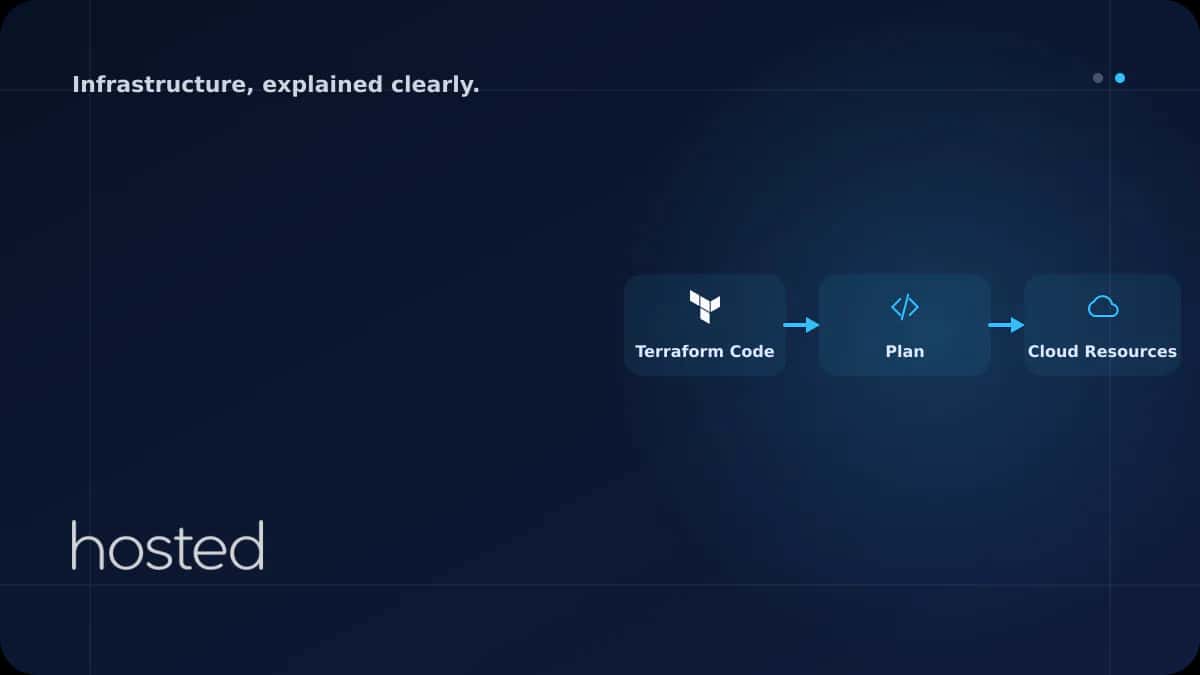
Terraform's core workflow consists of three commands: plan previews changes, apply executes them, and destroy removes resources. In production, always review the plan output first.
# Download providers and initialize
$ terraform init

# Preview changes (nothing is applied)
$ terraform plan -out=tfplan

# Apply the plan file
$ terraform apply tfplan

# Delete all resources (use with caution)
$ terraform destroy
💡 Tip: In your CI/CD pipeline, create a plan file with terraform plan -out=tfplan, then apply after approval with terraform apply tfplan. This ensures no infrastructure drift between plan and apply.
For infrastructure automation, check our GitHub Actions CI/CD guide. For configuration management, see our Ansible Playbook guide. For disaster recovery planning, explore our IaC Disaster Recovery guide. The Terraform documentation and Terraform Registry are valuable additional resources.
Frequently Asked Questions
What is the difference between Terraform and Ansible?
Terraform is designed for infrastructure provisioning: servers, networks, DNS. Ansible is used for configuring existing servers (package installation, file editing). They work best when used together.
Why is the Terraform state file so important?
The state file is the only source Terraform uses to track real infrastructure. If lost, Terraform cannot recognize existing resources and will try to recreate them. This is why remote backend and state locking are essential.
Is Terraform free?
Terraform CLI is open-source and free (BSL license). Terraform Cloud's free plan supports managing 500 resources. For larger teams, Terraform Enterprise or Cloud Plus plans are available.
Can I import existing infrastructure into Terraform?
Yes, you can add existing resources to the state file with terraform import. However, you need to write the HCL code manually. Terraform 1.5+ makes this easier with the import block.
Conclusion
By managing your infrastructure as code with Terraform, you gain repeatability, auditability, and speed. Store state files in a remote backend, package repeating patterns with modules, and integrate the plan-apply workflow into your CI/CD pipeline. Start with a single server and gradually convert your entire infrastructure to code.
Manage Your Infrastructure as Code
Build and manage your Terraform infrastructure quickly with Hosted Cloud servers.
Explore Cloud Server Plans →Can Kaya
Security Specialist
CISSP-certified security expert creating content on cybersecurity, DDoS protection, and server hardening.
Comments coming soon