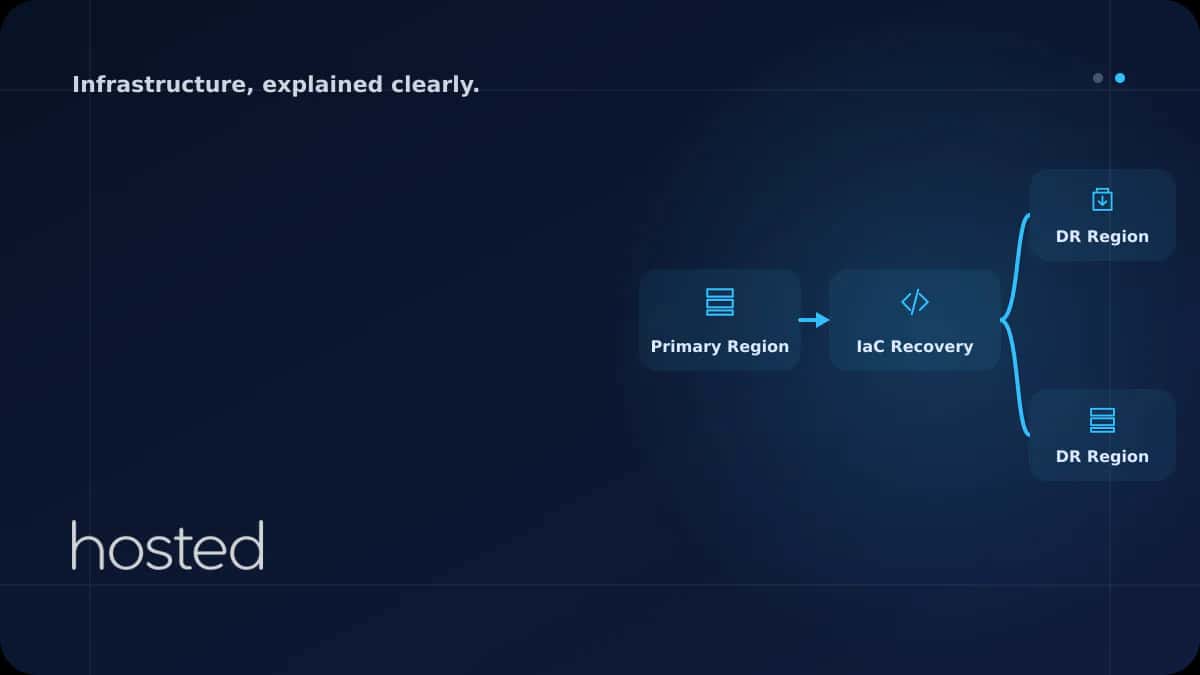
Creating a Disaster Recovery Plan with Infrastructure as Code
Server failures, data center outages, or cyber attacks can happen at any time. By defining your disaster recovery plan as code with Infrastructure as Code (IaC), you can recreate your infrastructure within minutes during a disaster. This guide covers everything from RPO/RTO concepts to Terraform mul
Ahmet Yılmaz
Senior Infrastructure Engineer
Server failures, data center outages, or cyber attacks can happen at any time. By defining your disaster recovery plan as code with Infrastructure as Code (IaC), you can recreate your infrastructure within minutes during a disaster. This guide covers everything from RPO/RTO concepts to Terraform multi-region setup, automated backups to failover automation.
DR Core Concepts: RPO and RTO
Two critical metrics form the foundation of a disaster recovery plan: RPO (Recovery Point Objective) defines the acceptable data loss duration, while RTO (Recovery Time Objective) defines the acceptable downtime duration.
| Metric | Definition | Example | IaC Target |
|---|---|---|---|
| RPO | Maximum data loss duration | Last 1 hour of data | Minutes (auto replication) |
| RTO | Maximum downtime duration | 4 hours | Minutes (auto failover) |
| MTTR | Mean time to repair | 2 hours | Minutes (recreate from code) |
💡 Tip: Determine RPO and RTO values based on your business requirements. For e-commerce sites, target RPO of 5 minutes and RTO of 15 minutes, while internal tools may accept RPO of 1 hour and RTO of 4 hours.
Multi-Region Infrastructure with Terraform
Using Terraform modules, you can define the same infrastructure as code in both primary and DR regions. This allows you to activate the DR region within minutes during a disaster.
# Primary region
module "primary" {
  source    = "./modules/infrastructure"
  region    = "eu-west-1"
  env       = "production"
  is_primary = true

  instance_count = 3
  instance_type  = "c5.xlarge"
  db_multi_az    = true
}

# DR region (Standby)
module "dr" {
  source    = "./modules/infrastructure"
  region    = "us-east-1"
  env       = "dr"
  is_primary = false

  # Fewer resources in DR (cost optimization)
  instance_count = 1
  instance_type  = "c5.large"
  db_multi_az    = false
}
Automated Backup Configuration with IaC
By defining your backup strategy as code, you can create consistent and repeatable backup processes. The following Terraform configuration automates database and file system backups.
# Automated database backup
resource "aws_db_instance" "primary" {
  identifier              = "app-db-primary"
  engine                  = "postgres"
  engine_version          = "15.4"
  instance_class          = "db.r6g.large"

  # Backup settings
  backup_retention_period = 30
  backup_window           = "03:00-04:00"
  copy_tags_to_snapshot   = true

  # Cross-region replication
  replicate_source_db     = null
}

# Cross-region replica for DR
resource "aws_db_instance" "dr_replica" {
  provider            = aws.dr
  replicate_source_db = aws_db_instance.primary.arn
  instance_class      = "db.r6g.large"
}
Failover Automation
Manual failover processes increase the risk of errors and waste time. You can configure automatic failover with DNS-based routing.
# Health check - primary region
resource "aws_route53_health_check" "primary" {
  fqdn              = "primary.example.com"
  port              = 443
  type              = "HTTPS"
  resource_path     = "/health"
  failure_threshold = 3
  request_interval  = 10
}

# DNS failover record
resource "aws_route53_record" "primary" {
  zone_id         = var.zone_id
  name            = "app.example.com"
  type            = "A"
  set_identifier  = "primary"
  health_check_id = aws_route53_health_check.primary.id

  failover_routing_policy {
    type = "PRIMARY"
  }

  alias {
    name    = module.primary.lb_dns_name
    zone_id = module.primary.lb_zone_id
  }
}
⚠️ Warning: Keep the DNS failover TTL low (around 60 seconds). High TTL values can cause users to still be directed to the old IP after failover.
DR Testing Checklist
Without regularly testing your DR plan, you cannot be sure it will work during an actual disaster. Apply the following checklist every quarter.
- ✅ Verify the Terraform state file is up to date in the remote backend
-
✅
Run
terraform planin the DR region to check for drift - ✅ Check database replica synchronization lag (< 1 minute)
- ✅ Simulate DNS failover and measure transition time
- ✅ Run application smoke tests in the DR environment
- ✅ Perform restore tests from backups
- ✅ Test the failback (return to primary region) procedure
- ✅ Document all results and report whether RPO/RTO targets were met
For Terraform fundamentals, check our Terraform IaC guide. For backup strategies, see our Snapshot and Backup guide. For server monitoring, explore our Prometheus + Grafana guide. HashiCorp Terraform Tutorials and AWS Disaster Recovery Whitepaper are valuable additional resources.
Frequently Asked Questions
Can disaster recovery be done without IaC?
Yes, but manual processes increase the risk of errors and extend recovery time. With IaC, you can recreate your infrastructure within minutes. Operations that could take hours or even days with manual setup become automated.
Does the DR region need to run continuously?
No. You can reduce costs with warm standby (running with minimum resources) or pilot light (database replication only) strategies. During a disaster, you can quickly scale resources with IaC.
What happens if the Terraform state file is lost?
If the state file is lost, Terraform cannot recognize existing infrastructure. Store state in a remote backend like S3 + DynamoDB with versioning and locking enabled. Backing up the state file itself is critical.
How often should DR tests be performed?
Full DR tests should be performed at least quarterly. Monthly tests are recommended for critical systems. The DR plan should also be validated after every major infrastructure change.
Conclusion
Make your disaster recovery plan versionable, testable, and repeatable with Infrastructure as Code. Define your infrastructure with Terraform multi-region modules, set up automated backup and failover mechanisms, and ensure your plan works with regular DR tests.
Reliable Infrastructure for Disaster Recovery
Implement your DR plan with confidence on Hosted Cloud servers.
Explore Cloud Server Plans →Ahmet Yılmaz
Senior Infrastructure Engineer
With over 10 years of experience in cloud infrastructure and DevOps, Ahmet specializes in Kubernetes, Terraform, and high-availability architectures.
Comments coming soon