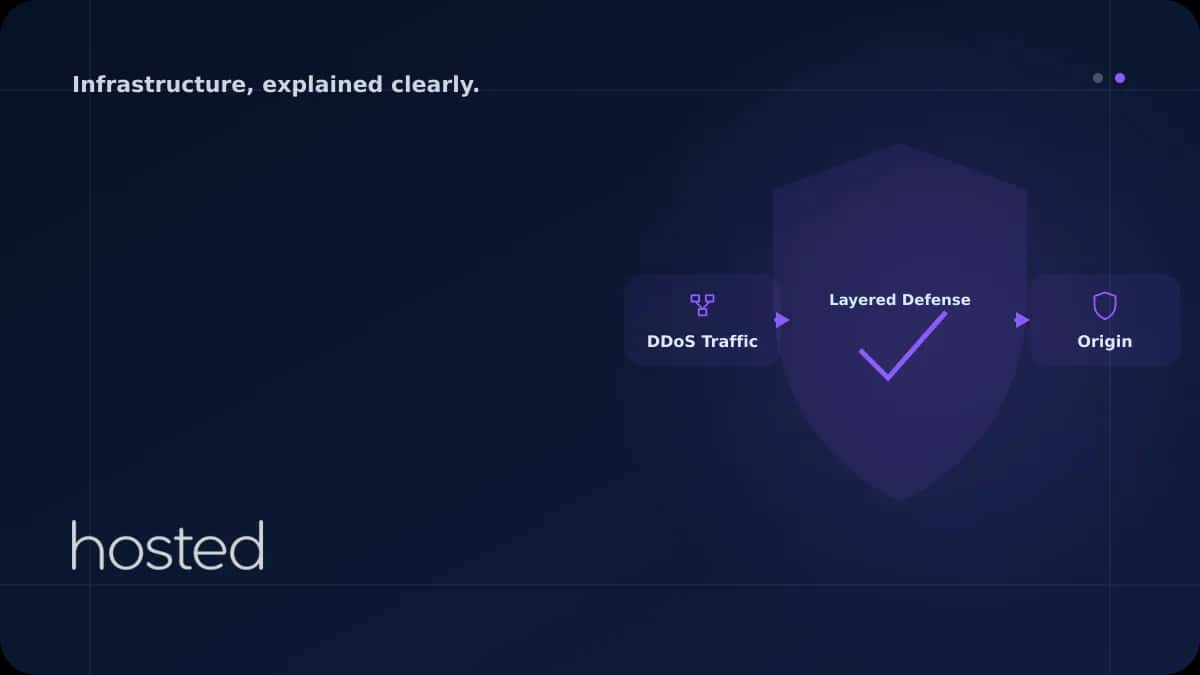
DDoS Saldırısı Nedir ve Nasıl Çalışır? Katmanlı Koruma Stratejisi
DDoS (Distributed Denial of Service) saldırıları, bir sunucu veya ağı aşırı trafikle boğarak hizmet veremez hale getirmeyi amaçlar. 2025 yılında ortalama DDoS saldırı hacmi 1.5 Tbps'yi aştı ve saldırıların %65'i 10 dakikadan kısa sürdü - yani tespit ve müdahale hızı kritiktir. Bu rehberde DDoS saldı
Can Kaya
Güvenlik Uzmanı
DDoS (Distributed Denial of Service) saldırıları, bir sunucu veya ağı aşırı trafikle boğarak hizmet veremez hale getirmeyi amaçlar. 2025 yılında ortalama DDoS saldırı hacmi 1.5 Tbps'yi aştı ve saldırıların %65'i 10 dakikadan kısa sürdü - yani tespit ve müdahale hızı kritiktir. Bu rehberde DDoS saldırı türlerini, tespit yöntemlerini ve katmanlı koruma stratejilerini ele alıyoruz.
DDoS Saldırı Türleri
DDoS saldırıları OSI modelinin farklı katmanlarını hedefler. Her katman farklı savunma mekanizmaları gerektirir:
| Katman | Saldırı Türü | Hedef | Savunma |
|---|---|---|---|
| L3 (Ağ) | ICMP Flood, IP Fragmentation | Bant genişliği | Upstream filtering, blackhole routing |
| L4 (Transport) | SYN Flood, UDP Flood, ACK Flood | TCP/UDP bağlantı tablosu | SYN cookies, rate limiting, firewall |
| L7 (Uygulama) | HTTP Flood, Slowloris, API abuse | Web sunucu / uygulama | WAF, bot detection, CAPTCHA |
SYN Flood Saldırısı
TCP bağlantısı üç aşamalı el sıkışma (three-way handshake) ile kurulur. SYN flood saldırısında saldırgan binlerce SYN paketi gönderir ancak ACK yanıtını vermez. Sunucu her yarım bağlantı için bellek ayırır ve bağlantı tablosu dolar. Linux çekirdeğinde SYN cookies etkinleştirmek bu saldırıyı etkisiz hale getirir:
# SYN flood korumasi
net.ipv4.tcp_syncookies = 1
net.ipv4.tcp_max_syn_backlog = 65536
net.ipv4.tcp_synack_retries = 2
net.ipv4.tcp_syn_retries = 2

# Baglanti izleme tablosu boyutu
net.netfilter.nf_conntrack_max = 1000000
net.ipv4.tcp_tw_reuse = 1
Katmanlı Koruma Stratejisi
Tek bir savunma mekanizması tüm DDoS türlerine karşı yeterli değildir. Etkili koruma, ağ kenarından uygulama katmanına kadar birden fazla savunma hattı gerektirir:
-
Katman 1: Upstream / ISP Filtreleme Hosting sağlayıcınızın ağ altyapısında volumetrik saldırılar filtrelenir. Hosted Cloud, veri merkezi düzeyinde DDoS scrubbing sunar.
-
Katman 2: CDN / Reverse Proxy Cloudflare veya benzeri CDN servisleri, trafiği global ağlarında dağıtarak origin sunucuyu korur. L3/L4 saldırılarının büyük kısmını absorbe eder.
-
Katman 3: Firewall (iptables / nftables) Sunucu düzeyinde rate limiting, geo-blocking ve connection limiting kuralları ile L4 saldırıları filtrelenir.
-
Katman 4: WAF (Web Application Firewall) L7 saldırılarını tespit eder. HTTP flood, slowloris ve API abuse gibi uygulama katmanı saldırılarını engeller.
Nginx ile L7 DDoS Koruması
Nginx, rate limiting ve connection limiting modülleri ile L7 saldırılarına karşı etkili bir ilk savunma hattı oluşturur. Aşağıdaki yapılandırma IP başına istek ve bağlantı sayısını sınırlar:
http {
    # IP basina istek siniri (saniyede 10 istek)
    limit_req_zone $binary_remote_addr zone=req_limit:10m rate=10r/s;

    # IP basina baglanti siniri
    limit_conn_zone $binary_remote_addr zone=conn_limit:10m;

    server {
        limit_req zone=req_limit burst=20 nodelay;
        limit_conn conn_limit 50;

        # Yavas istemcileri kes
        client_body_timeout 10s;
        client_header_timeout 10s;
        send_timeout 10s;
        keepalive_timeout 15s;
    }
}
💡 İpucu: burst=20 parametresi, kısa süreli trafik artışlarına izin verir. nodelay ile burst istekleri anında işlenir, kuyrukta beklemez. Nginx rate limiting hakkında daha fazla bilgi için Nginx Reverse Proxy rehberimizi inceleyebilirsiniz.
Sunucu güvenliği hakkında kapsamlı bilgi için SSH Güçlendirme rehberimizi ve Hosted Cloud bulut sunucularının yerleşik DDoS koruma özelliklerini inceleyebilirsiniz. Daha detaylı firewall yapılandırması için Cloudflare DDoS rehberini öneriyoruz.
Sıkça Sorulan Sorular
DDoS saldırısı ile DoS saldırısı arasındaki fark nedir?
DoS saldırısı tek bir kaynaktan gelir ve genellikle bant genişliği sınırlıdır. DDoS saldırısı binlerce farklı kaynaktan (botnet) koordineli olarak gelir, bu nedenle engellenmesi çok daha zordur ve trafik hacmi çok daha yüksektir.
Cloudflare ücretsiz planı DDoS koruması sağlar mı?
Evet, Cloudflare ücretsiz planı L3/L4 DDoS koruması sunar. Ancak gelişmiş L7 koruma, WAF kuralları ve bot yönetimi Pro ve üzeri planlarda mevcuttur. Ücretsiz plan küçük-orta ölçekli saldırılar için yeterlidir.
DDoS saldırısı sırasında ne yapmalıyım?
Önce hosting sağlayıcınızı bilgilendirin - upstream filtreleme başlatabilirler. Cloudflare kullanıyorsanız "Under Attack" modunu etkinleştirin. Saldırı trafiğini analiz ederek iptables ile belirli IP aralıklarını veya ülkeleri engelleyin.
Rate limiting meşru kullanıcıları engeller mi?
Doğru yapılandırılmış rate limiting meşru kullanıcıları etkilemez. Saniyede 10 istek limiti normal tarama davranışı için fazlasıyla yeterlidir. Burst parametresi ile kısa süreli artışlara izin vererek yanlış pozitif oranını düşürün.
DDoS koruması için ne kadar bant genişliği gerekir?
Sunucu düzeyinde bant genişliği artırmak volumetrik saldırılara karşı etkisizdir - saldırı hacmi her zaman daha büyük olabilir. CDN/scrubbing servisleri kullanarak trafiği dağıtmak ve filtrelemek doğru yaklaşımdır.
Sonuç
DDoS koruması tek bir ürün veya ayar değil, katmanlı bir stratejidir. Upstream filtreleme, CDN, firewall kuralları ve WAF'ı birlikte kullanarak L3'ten L7'ye kadar tüm saldırı vektörlerini kapsayın. Saldırı öncesi hazırlık - SYN cookies, rate limiting ve bağlantı limitleri - saldırı anında tepki sürenizi kısaltır.
DDoS Korumalı Sunucu Altyapısı
Hosted Cloud'un veri merkezi düzeyinde DDoS koruması ile sunucularınızı güvende tutun.
Güvenli Sunucu Planlarını İncele →Can Kaya
Güvenlik Uzmanı
Siber güvenlik, DDoS koruması ve sunucu sertleştirme konularında içerikler üretmektedir. CISSP sertifikalı güvenlik uzmanı.
Yorumlar yakında