Dedicated Server Migration: Zero Downtime Guide
Minimize downtime during dedicated server migration: data synchronization with rsync, DNS strategy, database migration, and rollback plan.
Merve Arslan
WordPress & Hosting Expert
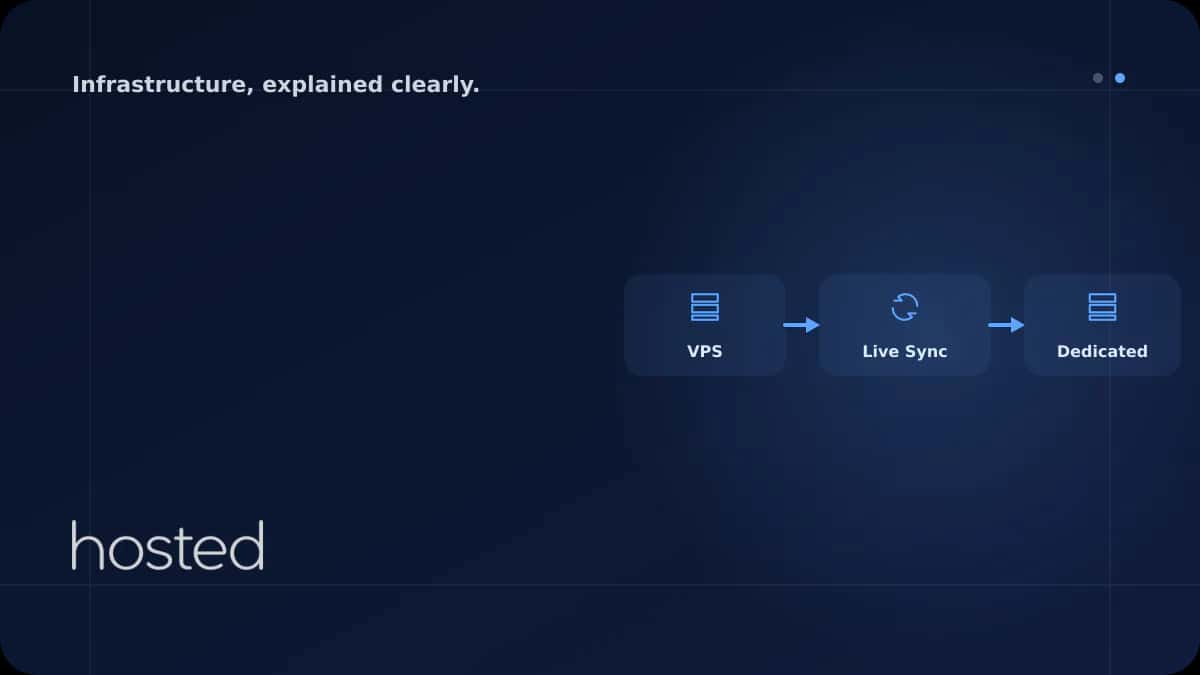
Server migration, when poorly planned, can lead to hours of downtime and data loss. When done correctly, a dedicated server migration can be completed with such a short interruption that users won't even notice. In this guide, we cover inventory extraction, incremental synchronization with rsync, database migration, DNS cutover, and the rollback plan step by step.
Pre-Migration Preparation
The success of the migration depends on the quality of the preparation phase. Use the following checklist as the foundation of your migration plan:
-
Inventory Extraction List running services, cron jobs, databases, SSL certificates, custom configuration files, and external integrations. Start with
systemctl list-units --type=service --state=runningandcrontab -l. -
Prepare the New Server Same OS version, same software versions (PHP, Node.js, MySQL/PostgreSQL, Nginx). Version mismatches are the most common source of post-migration issues.
-
Lower DNS TTL Lower the DNS TTL value to 300 seconds (5 minutes) at least 48 hours before the migration. This ensures the DNS change propagates quickly during cutover.
-
Full Backup Take a full backup of the old server before migration. Create a rollback guarantee with a snapshot or full disk backup.
File Synchronization with rsync
rsync performs incremental file transfers, copying only the changed data. This means that after the initial full copy, only the latest changes are transferred at the cutover moment, minimizing downtime.
# 1. Initial full synchronization (1-2 days before migration)
rsync -avzP --delete \
  -e "ssh -p 22" \
  /var/www/ \
  root@NEW_SERVER_IP:/var/www/

# 2. Copy configuration files
rsync -avzP \
  /etc/nginx/ \
  root@NEW_SERVER_IP:/etc/nginx/

rsync -avzP \
  /etc/letsencrypt/ \
  root@NEW_SERVER_IP:/etc/letsencrypt/

# 3. Final delta synchronization at cutover
# (after stopping services on the old server)
rsync -avzP --delete \
  /var/www/ \
  root@NEW_SERVER_IP:/var/www/
💡 Tip: For large data sets (100 GB+), the initial rsync can take hours. Therefore, perform the first synchronization 1-2 days before the migration. The delta transfer at cutover typically completes within minutes.
Database Migration Strategies
Database migration is the most critical step of the process. Data inconsistency or loss is unacceptable. There are two strategies depending on your workload:
Method 1: Dump & Restore (Simple, Short Downtime)
# On the old server: export all databases
mysqldump --all-databases --single-transaction \
  --routines --triggers --events \
  -u root -p | gzip > /tmp/all-databases.sql.gz

# Transfer to the new server
scp /tmp/all-databases.sql.gz root@NEW_SERVER_IP:/tmp/

# On the new server: import
gunzip -c /tmp/all-databases.sql.gz | mysql -u root -p

# For PostgreSQL:
pg_dumpall -U postgres | gzip > /tmp/all-pg.sql.gz
Method 2: Replication (Near-Zero Downtime)
For large databases (10 GB+), dump/restore takes a long time. With MySQL replication, configure the old server as master and the new server as slave. At cutover, promote the slave to master - downtime drops to seconds. For detailed replication setup, refer to the official MySQL replication documentation.
DNS Cutover and TTL Strategy
DNS cutover is the final step that redirects traffic from the old server to the new one. With the right TTL strategy, users won't notice the migration.
| Time | Action | TTL Value |
|---|---|---|
| 48 hours before migration | Lower DNS TTL | 300 seconds (5 min) |
| Cutover moment (T=0) | Stop services on old server, final rsync + DB dump | 300 seconds |
| T+5 minutes | Update DNS A record to new IP | 300 seconds |
| T+30 minutes | Traffic should be directed to new server, verify | 300 seconds |
| T+24-48 hours | If everything is stable, raise TTL back | 3600 seconds (1 hour) |
Post-Migration Verification
# Verify DNS is pointing to the new IP
dig +short example.com A

# Check that SSL certificate is working
curl -vI https://example.com 2>&1 | grep -E "subject|expire"

# Verify all services are running
systemctl list-units --type=service --state=running

# Check that cron jobs were transferred
crontab -l

# Test database connection
mysql -u root -p -e "SHOW DATABASES; SELECT COUNT(*) FROM important_table;"

# Check HTTP response codes
curl -o /dev/null -s -w "%{http_code}" https://example.com
Rollback Plan
Accept that things can go wrong with any migration and prepare a rollback plan:
⚠️ Rollback Rules: Keep the old server active for at least 72 hours after migration (stop services but don't delete the server). Redirecting DNS back to the old IP brings traffic back within 5-30 minutes. Keep the dump file from the cutover moment for database rollback.
Rollback trigger criteria: if HTTP 5xx error rate exceeds 5%, if database connection errors occur, or if critical workflows (payment, registration) are not functioning - roll back immediately and investigate the issue later.
Frequently Asked Questions
How long does a server migration take?
It depends on the data volume. For sites under 50 GB, 1-2 days including preparation, with a cutover time of 15-30 minutes. For 500 GB+ data sets, the initial rsync can take days, but the cutover is still at the minutes level.
Will emails be lost during migration?
If you update MX records along with the DNS cutover, emails will queue per the SMTP protocol and be delivered once the new server is active. However, plan and test the MX migration separately.
How do I transfer SSL certificates to the new server?
If you're using Let's Encrypt, copy the /etc/letsencrypt/ directory with rsync. For commercial certificates, transfer the private key and certificate files. After migration, test renewal with certbot renew.
Does Hosted Cloud provide support during server migration?
Yes. Technical support is provided to Hosted Cloud dedicated server customers during the migration process. Managed migration services are also available for complex migrations.
Conclusion
A dedicated server migration can be completed so smoothly that users won't even notice, with proper planning. Inventory extraction, incremental synchronization with rsync, DNS TTL strategy, and a rollback plan - these four steps form the foundation of the migration. Perform the migration during low-traffic hours, verify each step, and keep the old server as a backup for at least 72 hours.
Seamless Migration to Your New Server
Experience a seamless migration with technical support, NVMe SSD performance, and 24/7 infrastructure support when moving to Hosted Cloud dedicated servers.
View Dedicated Server Plans →Merve Arslan
WordPress & Hosting Expert
Creating guide content on WordPress performance optimization, hosting selection, and e-commerce infrastructure.
Comments coming soon