E-Commerce Hosting: WooCommerce and Magento Infrastructure Requirements
Choose the right hosting infrastructure for your e-commerce site. We compare WooCommerce and Magento CPU, RAM, disk, and cache requirements by store size.
Merve Arslan
WordPress & Hosting Expert
E-commerce sites have different infrastructure requirements than blogs or corporate sites: dynamic product pages, cart operations, payment integrations, and sudden traffic spikes during campaign periods. The wrong hosting choice results in slow product pages, payment timeouts, and lost sales. In this guide, we share concrete infrastructure requirements by store size for WooCommerce and Magento, cache strategies, and security layers.
Why Is E-Commerce Hosting Different?
A blog site mostly serves static content and can be easily sped up with caching. E-commerce sites, however, generate dynamic content unique to each user: cart status, stock information, personalized prices, and payment transactions. This dynamic nature places different demands on hosting infrastructure:
-
Database Intensity Every product page, category listing, and search query sends requests to the database. In stores with 1,000+ products, database performance is the most critical bottleneck.
-
Traffic Fluctuations During Black Friday, holidays, or social media campaigns, traffic can increase 5-10x above normal levels. Your infrastructure must be able to handle these peaks.
-
Payment Security SSL/TLS is mandatory. PCI DSS compliance requires server security, access control, and log management. Downtime on the payment page = direct revenue loss.
WooCommerce Infrastructure Requirements
Since WooCommerce is built on WordPress, it requires PHP and MySQL/MariaDB. Recommended minimum resources by store size:
| Store Size | CPU | RAM | Disk | PHP Memory |
|---|---|---|---|---|
| Small (50 products, ~500 daily visitors) | 2 vCPU | 2 GB | 20 GB NVMe | 128 MB |
| Medium (500 products, ~5,000 daily visitors) | 4 vCPU | 4 GB | 40 GB NVMe | 256 MB |
| Large (5,000+ products, ~50,000 daily visitors) | 8+ vCPU | 8-16 GB | 100+ GB NVMe | 512 MB |
💡 Critical: WooCommerce's biggest performance issue is the number of plugins. Each plugin adds additional database queries and PHP processing overhead. In a store with 30+ active plugins, reducing the plugin count can be more effective than a server upgrade.
Magento 2 Infrastructure Requirements
Magento 2 (Adobe Commerce) is a much more resource-intensive platform compared to WooCommerce. According to Adobe's official system requirements, Magento 2.4.7+ requires PHP 8.3/8.4, MySQL 8.0+ or MariaDB 10.6+, Elasticsearch/OpenSearch 2.x, and Composer 2.x.
| Store Size | CPU | RAM | Disk | Additional Services |
|---|---|---|---|---|
| Small (100 products) | 4 vCPU | 8 GB | 50 GB NVMe | Redis, OpenSearch |
| Medium (1,000 products) | 8 vCPU | 16 GB | 100 GB NVMe | Redis, OpenSearch, Varnish |
| Large (10,000+ products) | 16+ vCPU | 32+ GB | 200+ GB NVMe | Redis Cluster, OpenSearch, Varnish, RabbitMQ |
⚠️ Important: Magento should not be run on shared hosting. It requires a minimum 4 GB RAM VPS or dedicated server. Without Elasticsearch/OpenSearch, product search runs very slowly and becomes unusable with large catalogs.
WooCommerce vs Magento: Resource Comparison
| Criteria | WooCommerce | Magento 2 |
|---|---|---|
| Minimum RAM | 2 GB | 8 GB |
| Shared hosting | Suitable for small stores | Not suitable |
| Search engine | WordPress built-in (sufficient) | OpenSearch/Elasticsearch (required) |
| Cache layer | Plugin-based (LSCache, W3TC) | Varnish + Redis (built-in support) |
| Setup complexity | Low | High |
| Ideal product count | 10 - 10,000 | 100 - 1,000,000+ |
Cache Strategy: Redis, Varnish, and CDN
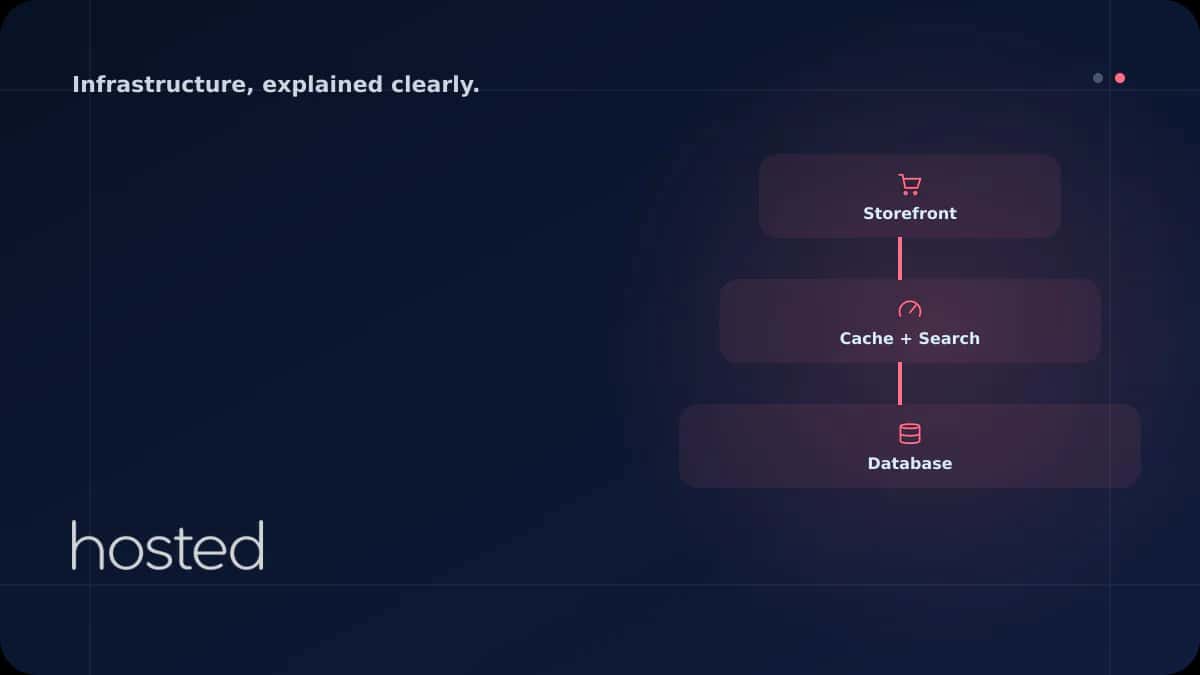
In e-commerce sites, cache strategy is the most critical determinant of performance. A three-layer approach is recommended:
1. Object Cache: Redis
Redis stores database query results and session data in memory. It's configured through wp-config.php in WooCommerce and through env.php in Magento. It dramatically reduces database load.
2. Full Page Cache: Varnish or LSCache
Full page cache for anonymous users (visitors not logged in) significantly reduces server load. Varnish is natively supported in Magento. In WooCommerce, LiteSpeed + LSCache or Nginx FastCGI Cache can be used.
3. CDN: Static Files
Product images, CSS, and JavaScript files should be served through a CDN. This reduces the load on the origin server and provides faster response times to users in different geographic locations.
Which Hosting Type Is Suitable?
Shared Hosting
Only for small WooCommerce stores (50 products, low traffic). Not suitable for Magento. May be insufficient during campaign periods.
Cloud VPS
Ideal for mid-scale WooCommerce and small-medium Magento stores. Instant resource scaling, full root access, and custom configuration options.
Dedicated Server
Large Magento stores, high-traffic WooCommerce sites. Full hardware control, predictable performance, isolation for PCI DSS compliance.
E-Commerce Security Requirements
Since e-commerce sites process customer personal data and payment information, security standards are higher:
SSL/TLS: HTTPS is mandatory on all pages. An HSTS (HTTP Strict Transport Security) header should be added. TLS 1.2+ should be used on payment pages.
PCI DSS compliance: If you're directly processing credit card information, PCI DSS Level 1-4 compliance is required. Using third-party payment providers like Stripe or PayPal significantly reduces this burden - card information never reaches your server.
WAF (Web Application Firewall): Application layer protection against SQL injection, XSS, and bot attacks. ModSecurity or Cloudflare WAF can be used.
Regular backups: E-commerce databases change constantly (orders, stock). Hourly backups and storage in a different location are recommended. Test the restore time (RTO) in advance.
For more detailed information about server security, check out our SSH Hardening guide. For your e-commerce infrastructure, you can evaluate Hosted Cloud cloud servers.
Frequently Asked Questions
Is shared hosting sufficient for WooCommerce?
It may be sufficient initially for small stores with under 50 products and a few hundred daily visitors. However, it quickly becomes insufficient as the number of plugins increases and traffic grows. Planning a transition to VPS in the medium term is recommended.
Should I choose Magento or WooCommerce?
WooCommerce if you have under 10,000 products, want to use the WordPress ecosystem, and have a limited budget. Magento if you need a large catalog, multi-store, B2B features, and enterprise-level customization. Magento's infrastructure and development costs are much higher.
What should I do during campaign periods like Black Friday?
Before the campaign: (1) temporarily increase server resources, (2) make sure full page cache is active, (3) use a CDN, (4) disable unnecessary plugins, (5) perform database optimization. Instant resource scaling on cloud servers is ideal for these situations.
What does Redis do for e-commerce sites?
Redis stores database query results and user sessions in memory. It eliminates repeated database queries when loading product pages. It's used with the Redis Object Cache plugin in WooCommerce and with built-in Redis support in Magento.
How much disk space do I need for my e-commerce site?
It depends on the number of products and image quality. A store with 500 products can use 10-20 GB of disk with 5-10 images per product. Calculate additional space for the database, log files, and backups. NVMe SSD disk type is critical for database performance.
Conclusion
E-commerce hosting selection should be shaped by your store platform, product count, and expected traffic volume. While WooCommerce can operate across a wide range with lower resource requirements, Magento offers enterprise-level features but requires significant infrastructure investment. For both platforms, Redis cache, CDN, and regular backups are fundamental requirements. Cloud infrastructures that offer instant scalability during campaign periods are the safest choice for e-commerce sites.
Powerful Infrastructure for Your E-Commerce Site
Run your WooCommerce or Magento store fast and securely with Hosted Cloud's NVMe SSD cloud servers. Instant scaling and 24/7 support.
View Cloud Server Plans →Merve Arslan
WordPress & Hosting Expert
Creating guide content on WordPress performance optimization, hosting selection, and e-commerce infrastructure.
Comments coming soon