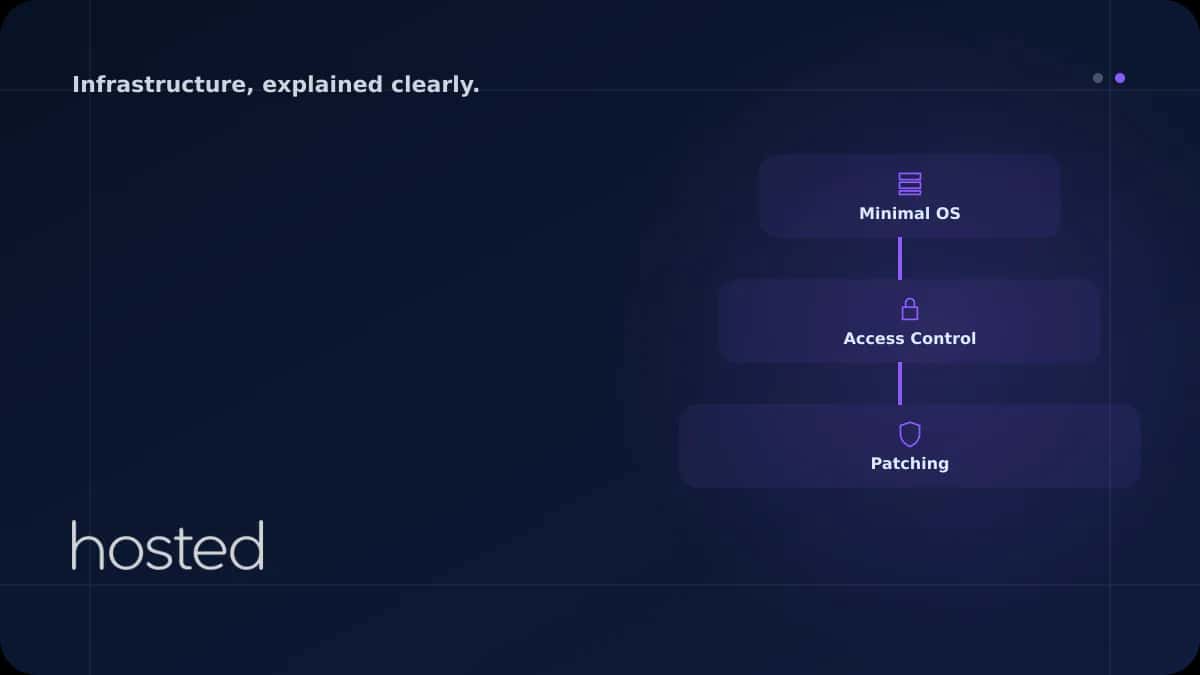
Server Hardening Checklist: 20 Steps to Take After Installation
A freshly installed Linux server is not production-ready with its default configuration. According to CIS (Center for Internet Security) benchmarks, default installations contain dozens of security vulnerabilities. This checklist covers 20 critical steps you should apply to harden your server immedi
Ahmet Yılmaz
Senior Infrastructure Engineer
A freshly installed Linux server is not production-ready with its default configuration. According to CIS (Center for Internet Security) benchmarks, default installations contain dozens of security vulnerabilities. This checklist covers 20 critical steps you should apply to harden your server immediately after installation. Each step includes concrete commands and verification methods.
SSH Hardening (Steps 1-4)
# 1. Disable root login
PermitRootLogin no

# 2. Disable password auth, key-based only
PasswordAuthentication no
PubkeyAuthentication yes

# 3. Change SSH port
Port 2222

# 4. Disable empty passwords and X11 forwarding
PermitEmptyPasswords no
X11Forwarding no
MaxAuthTries 3
ClientAliveInterval 300
ClientAliveCountMax 2
⚠️ Warning: Before changing SSH configuration, keep your current session open and test the connection in a new terminal. Incorrect configuration can permanently lock you out of the server.
Firewall and Network Security (Steps 5-8)
# 5. Basic firewall setup with UFW
sudo ufw default deny incoming
sudo ufw default allow outgoing
sudo ufw allow 2222/tcp  # SSH (custom port)
sudo ufw allow 443/tcp   # HTTPS
sudo ufw enable

# 6. Install Fail2Ban
sudo apt install fail2ban -y
sudo systemctl enable fail2ban

# 7. Disable IPv6 if not in use
echo "net.ipv6.conf.all.disable_ipv6 = 1" | sudo tee -a /etc/sysctl.conf

# 8. Disable unnecessary services
sudo systemctl disable avahi-daemon
sudo systemctl disable cups
sudo ss -tulnp  # Check open ports
User and Permission Management (Steps 9-12)
# 9. Create sudo user
sudo adduser deploy
sudo usermod -aG sudo deploy

# 10. Password policy (min 12 chars, complexity)
sudo apt install libpam-pwquality -y
# /etc/security/pwquality.conf:
# minlen = 12, dcredit = -1, ucredit = -1, lcredit = -1

# 11. Scan for SUID/SGID files
find / -perm /4000 -type f 2>/dev/null
find / -perm /2000 -type f 2>/dev/null

# 12. Mount /tmp with noexec
# Add to /etc/fstab:
# tmpfs /tmp tmpfs defaults,noexec,nosuid,nodev 0 0
Kernel and System Hardening (Steps 13-16)
# 13. IP spoofing protection
net.ipv4.conf.all.rp_filter = 1
net.ipv4.conf.default.rp_filter = 1

# 14. Reject ICMP redirects
net.ipv4.conf.all.accept_redirects = 0
net.ipv4.conf.all.send_redirects = 0

# 15. SYN flood protection
net.ipv4.tcp_syncookies = 1
net.ipv4.tcp_max_syn_backlog = 2048

# 16. Disable core dumps
fs.suid_dumpable = 0
Logging and Monitoring (Steps 17-20)
# 17. Install and enable auditd
sudo apt install auditd -y
sudo systemctl enable auditd

# 18. Monitor critical file changes
sudo auditctl -w /etc/passwd -p wa -k user_changes
sudo auditctl -w /etc/shadow -p wa -k password_changes
sudo auditctl -w /etc/ssh/sshd_config -p wa -k ssh_changes

# 19. Configure automatic updates
sudo apt install unattended-upgrades -y
sudo dpkg-reconfigure -plow unattended-upgrades

# 20. File integrity checking (AIDE)
sudo apt install aide -y
sudo aideinit
sudo cp /var/lib/aide/aide.db.new /var/lib/aide/aide.db
# Add cron for daily check:
# 0 3 * * * /usr/bin/aide --check
💡 Tip: After applying this checklist, run an automated security scan with OpenSCAP or Lynis. These tools report missing configurations against CIS benchmarks.
For SSH hardening details, check our SSH Hardening guide. For firewall configuration, see our iptables guide. For network isolation, review our VPC guide. Build your secure infrastructure with Hosted Cloud cloud servers.
Frequently Asked Questions
What if my applications stop working after hardening?
Apply each step one at a time and test your applications in between. If issues arise, revert the last change. Firewall rules and kernel parameters in particular can affect applications. Testing in a staging environment is recommended.
What is CIS Benchmark?
CIS (Center for Internet Security) Benchmarks are community-developed security configuration standards for operating systems and applications. They offer two levels: Level 1 (basic) and Level 2 (advanced). This checklist covers most CIS Level 1 requirements.
Is automatic updating safe?
Automatic updates are recommended for security patches. However, do not auto-apply major version updates as they can cause compatibility issues. unattended-upgrades can be configured to only apply security patches automatically.
Which distributions does this checklist apply to?
Commands are written for Ubuntu/Debian-based distributions. For CentOS/RHEL, the package manager (yum/dnf) and some file paths differ, but the principles are the same. Refer to the CIS Benchmark document specific to your distribution.
How often should I repeat hardening?
The full checklist should be applied after initial installation. Afterwards, run monthly Lynis scans, weekly AIDE file integrity checks, and configuration verification after every major update.
Conclusion
Server hardening is the first step toward a secure infrastructure. Minimize your attack surface with SSH hardening, firewall configuration, kernel parameters, and audit logs. Apply this 20-step checklist on every new server installation and verify your configuration with regular security scans.
Secure Server Infrastructure
Set up your hardened, secure infrastructure in minutes with Hosted Cloud cloud servers.
Explore Secure Server Plans →Ahmet Yılmaz
Senior Infrastructure Engineer
With over 10 years of experience in cloud infrastructure and DevOps, Ahmet specializes in Kubernetes, Terraform, and high-availability architectures.
Comments coming soon