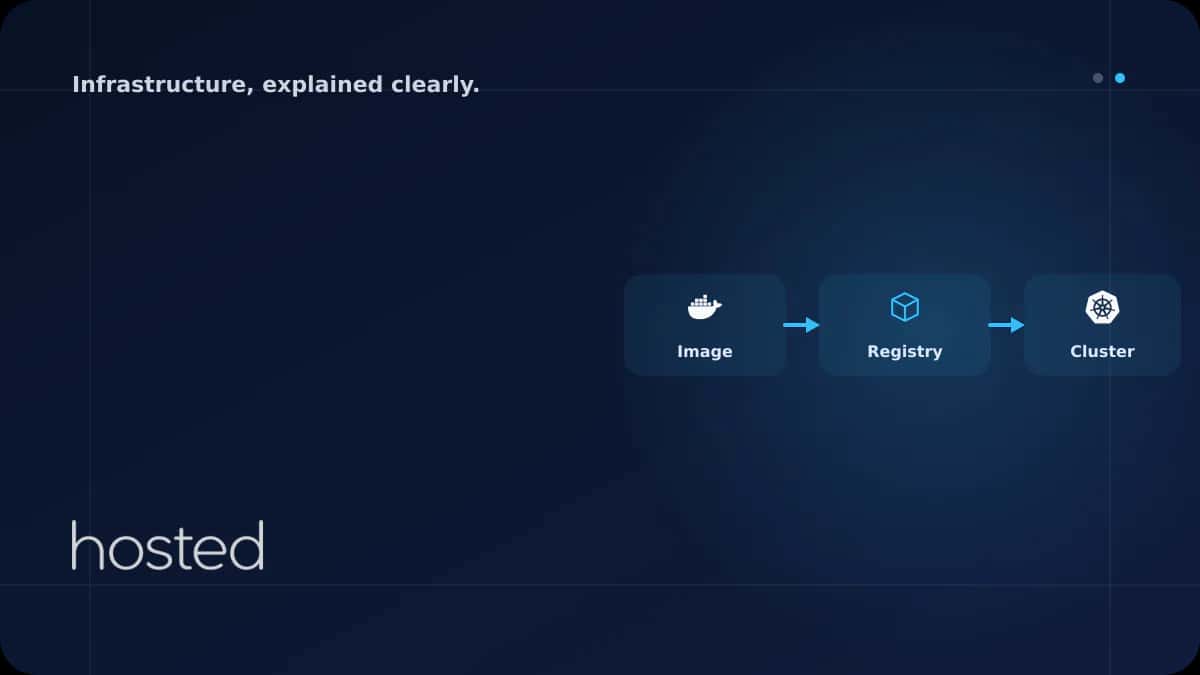
Container Registry Seçimi: Docker Hub, GitHub Packages ve Self-Hosted
Container image'larınızı nerede saklayacağınız güvenlik, maliyet ve CI/CD hızını doğrudan etkiler. Docker Hub'ın rate limit kısıtlamaları, GitHub Packages'ın CI entegrasyonu ve self-hosted Harbor'ın tam kontrol avantajı farklı senaryolarda öne çıkar. Bu rehberde popüler container registry seçenekler
Ahmet Yılmaz
Kıdemli Altyapı Mühendisi
Container image'larınızı nerede saklayacağınız güvenlik, maliyet ve CI/CD hızını doğrudan etkiler. Docker Hub'ın rate limit kısıtlamaları, GitHub Packages'ın CI entegrasyonu ve self-hosted Harbor'ın tam kontrol avantajı farklı senaryolarda öne çıkar. Bu rehberde popüler container registry seçeneklerini karşılaştırıyor ve doğru seçimi yapmanız için kriterleri sunuyoruz.
Registry Karşılaştırma Tablosu
| Kriter | Docker Hub | GitHub Packages | Harbor (Self-Hosted) |
|---|---|---|---|
| Ücretsiz Plan | 1 private repo, sınırsız public | 500 MB depolama (free) | Sınırsız (kendi sunucunuz) |
| Rate Limit | 100 pull/6 saat (anonim) | Yok (auth ile) | Yok |
| Güvenlik Tarama | Docker Scout (ücretli) | Dependabot entegrasyonu | Trivy entegre |
| CI/CD Entegrasyon | Tüm platformlar | GitHub Actions (native) | Webhook + API |
| Veri Lokasyonu | ABD | ABD | Kendi veri merkeziniz |
Docker Hub
Docker Hub en yaygın public registry'dir ve resmi image'ların (nginx, node, postgres) birincil kaynağıdır. Ancak anonim kullanıcılar için 6 saatte 100 pull limiti vardır. CI/CD pipeline'larında bu limite takılmamak için authenticated pull kullanın veya bir pull-through cache proxy kurun.
# Docker Hub'a giris
docker login -u myuser

# Image push
docker tag myapp:v1.0 myuser/myapp:v1.0
docker push myuser/myapp:v1.0

# Rate limit durumunu kontrol et
curl -s "https://auth.docker.io/token?service=registry.docker.io&scope=repository:library/nginx:pull" \
  | jq -r '.token' | xargs -I {} \
  curl -sI -H "Authorization: Bearer {}" https://registry-1.docker.io/v2/library/nginx/manifests/latest \
  | grep ratelimit
GitHub Container Registry (ghcr.io)
GitHub Packages, GitHub Actions ile native entegrasyon sunar. GITHUB_TOKEN otomatik olarak registry'ye erişim sağlar, ek credential yönetimi gerekmez. Public image'lar için depolama ve bandwidth ücretsizdir.
# GitHub Container Registry'ye giris
echo $GITHUB_TOKEN | docker login ghcr.io -u USERNAME --password-stdin

# Image push
docker tag myapp:v1.0 ghcr.io/myorg/myapp:v1.0
docker push ghcr.io/myorg/myapp:v1.0
Harbor: Self-Hosted Registry
Harbor, CNCF mezunu açık kaynak bir container registry'dir. Veri lokasyonu kontrolü, entegre güvenlik taraması (Trivy), RBAC, image imzalama ve replikasyon gibi kurumsal özellikler sunar. KVKK veya GDPR uyumluluğu gerektiren ortamlar için idealdir.
💡 İpucu: Harbor'ı Helm chart ile Kubernetes'e kurabilirsiniz: helm install harbor harbor/harbor. Minimum 4 GB RAM ve 40 GB disk alanı önerilir. Yüksek erişilebilirlik için PostgreSQL ve Redis'i harici olarak yapılandırın.
Doğru Registry'yi Seçme Kriterleri
-
Küçük Ekip / Açık Kaynak Docker Hub (public) veya GitHub Packages (GitHub Actions kullanıyorsanız). Ücretsiz planlar yeterlidir.
-
Orta Ölçekli Şirket GitHub Packages veya GitLab Container Registry. CI/CD entegrasyonu ve takım yönetimi özellikleri yeterlidir.
-
Kurumsal / Uyumluluk Gerektiren Harbor (self-hosted). Veri lokasyonu kontrolü, RBAC, denetim logları ve image imzalama gerektiğinde.
Docker image güvenliği için Container Güvenliği rehberimizi, image optimizasyonu için Multi-Stage Build rehberimizi inceleyin. Kubernetes'e deploy için Kubernetes Giriş rehberimize göz atın. Harbor dokümantasyonu ve GitHub Packages dokümantasyonu ek kaynak olarak faydalıdır.
Sıkça Sorulan Sorular
Docker Hub rate limit'i nasıl aşarım?
Authenticated pull yaparak limiti 200 pull/6 saate çıkarabilirsiniz. Daha fazlası için Docker Hub Pro/Team planı veya pull-through cache proxy (Harbor veya registry mirror) kullanın.
OCI registry nedir?
OCI (Open Container Initiative) registry, container image'larının yanı sıra Helm chart, WASM modülü ve diğer artifact'leri de saklayabilen standart bir registry formatıdır. Docker Hub, ghcr.io ve Harbor OCI uyumludur.
Image imzalama neden önemli?
Image imzalama (Cosign/Notary), image'ın değiştirilmediğini ve güvenilir bir kaynaktan geldiğini doğrular. Supply chain saldırılarına karşı koruma sağlar. Kubernetes'te admission controller ile yalnızca imzalı image'ların deploy edilmesini zorunlu kılabilirsiniz.
Harbor kurmak için ne kadar kaynak gerekir?
Minimum 2 vCPU, 4 GB RAM ve 40 GB disk yeterlidir. Üretim ortamı için 4 vCPU, 8 GB RAM ve depolama ihtiyacınıza göre disk alanı ayırın. PostgreSQL ve Redis'i harici olarak çalıştırmak performansı artırır.
Sonuç
Container registry seçimi ekip büyüklüğü, güvenlik gereksinimleri ve CI/CD altyapınıza bağlıdır. Küçük ekipler Docker Hub veya GitHub Packages ile başlayabilir, kurumsal ortamlar Harbor ile tam kontrol sağlayabilir. Hangi registry'yi seçerseniz seçin, image tarama, erişim kontrolü ve düzenli temizlik politikalarını uygulayın.
Container Altyapınız İçin Güçlü Sunucular
Hosted Cloud ile Harbor registry ve Kubernetes cluster'ınızı yüksek performanslı sunucularda çalıştırın.
Bulut Sunucu Planlarını İncele →Ahmet Yılmaz
Kıdemli Altyapı Mühendisi
10 yılı aşkın bulut altyapısı ve DevOps deneyimiyle Hosted Cloud'un teknik ekibinde yer almaktadır. Kubernetes, Terraform ve yüksek erişilebilirlik mimarileri üzerine uzmanlaşmıştır.
Yorumlar yakında