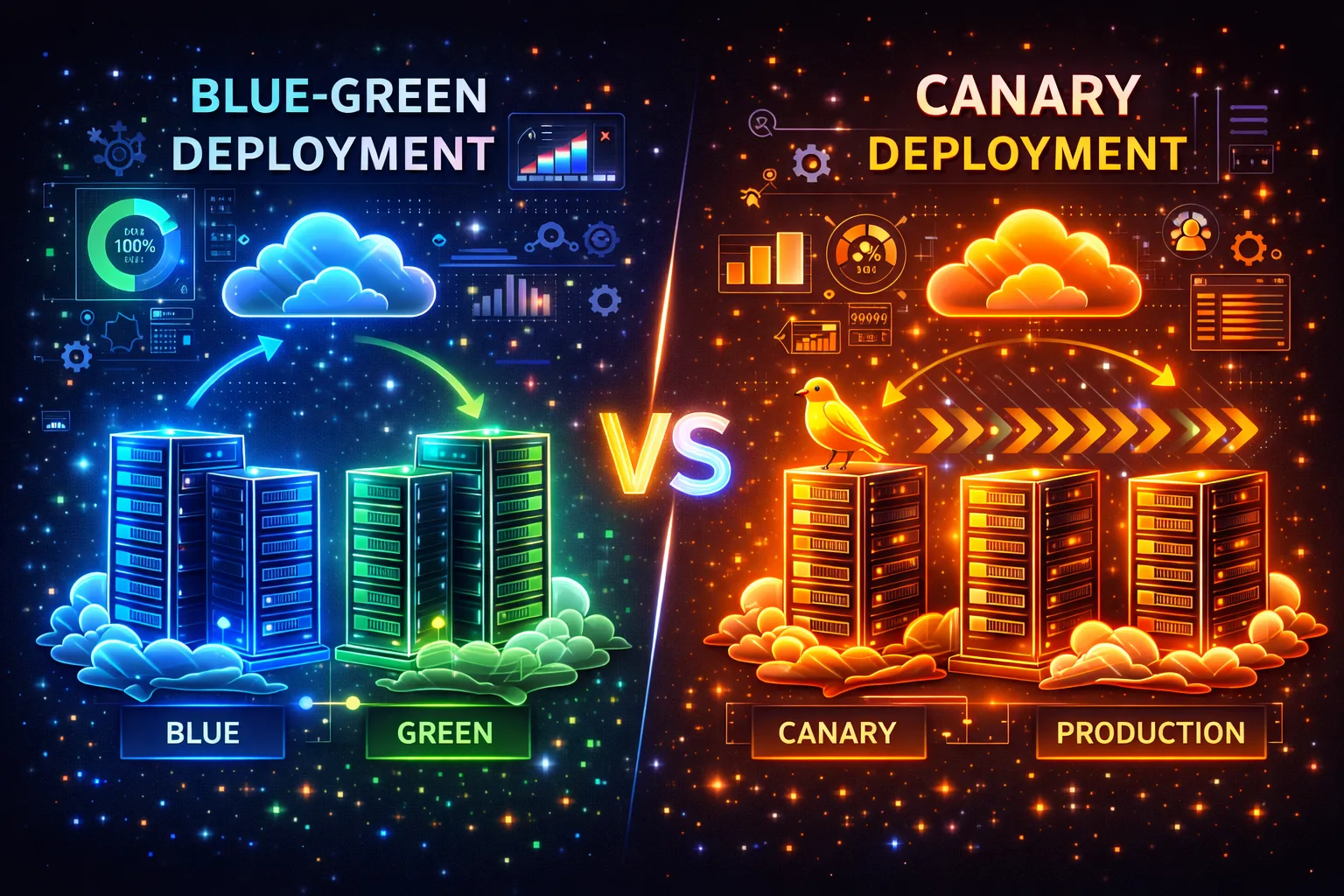
Blue-Green and Canary Deployment Strategies: Zero Downtime Updates
Users experiencing downtime during application updates is unacceptable. Blue-Green deployment switches instantly between two environments, while Canary deployment minimizes risk by routing a small percentage of traffic to the new version. This guide compares both strategies with Kubernetes and Nginx
Elif Demir
Cloud Solutions Architect
Users experiencing downtime during application updates is unacceptable. Blue-Green deployment switches instantly between two environments, while Canary deployment minimizes risk by routing a small percentage of traffic to the new version. This guide compares both strategies with Kubernetes and Nginx examples.
Blue-Green Deployment
In Blue-Green deployment, two identical environments exist: Blue (current) and Green (new). The new version is deployed to Green, and after tests pass, traffic is switched from Blue to Green. If issues arise, traffic instantly reverts to Blue.
# Switch traffic by changing service selector
apiVersion: v1
kind: Service
metadata:
  name: web-app
spec:
  selector:
    app: web-app
    version: green  # blue -> green switch
  ports:
  - port: 80
    targetPort: 3000
Canary Deployment
In Canary deployment, the new version is first served to 5-10% of traffic. Metrics (error rate, latency, CPU) are monitored, and if no issues arise, traffic is gradually increased. Weight-based routing can be done with Nginx Ingress.
apiVersion: networking.k8s.io/v1
kind: Ingress
metadata:
  name: web-app-canary
  annotations:
    nginx.ingress.kubernetes.io/canary: "true"
    nginx.ingress.kubernetes.io/canary-weight: "10"
spec:
  rules:
  - host: app.example.com
    http:
      paths:
      - path: /
        pathType: Prefix
        backend:
          service:
            name: web-app-canary
            port:
              number: 80
Strategy Comparison
| Feature | Blue-Green | Canary | Rolling Update |
|---|---|---|---|
| Rollback speed | Instant (traffic switch) | Fast (remove canary) | Slow (pods rolled back) |
| Resource cost | High (2x environments) | Low (few canary pods) | Lowest |
| Risk level | Low (switch after full test) | Lowest (gradual increase) | Medium |
| Complexity | Medium | High (metrics monitoring required) | Low (K8s default) |
💡 Tip: Be careful with Blue-Green deployments that include database schema changes. Write backward-compatible migrations, otherwise data inconsistency may occur during rollback.
For Kubernetes fundamentals, check our Introduction to Kubernetes guide. For automated deployment with GitOps, see our ArgoCD guide. For monitoring, explore our Prometheus + Grafana guide. Kubernetes Deployment Strategies and Martin Fowler - Canary Release are valuable additional resources.
Frequently Asked Questions
Does Blue-Green deployment require double the resources?
Yes, both environments are active during the switch. However, you can shut down the old environment after the transition completes. In cloud environments, this cost is temporary and manageable.
What metrics should I monitor in Canary deployment?
Monitor HTTP error rate (5xx), response time (p95/p99 latency), CPU/memory usage, and business logic metrics (like order success rate). Automatic rollback should trigger when thresholds are exceeded.
When is rolling update sufficient?
Kubernetes' default rolling update strategy is sufficient for small changes, backward-compatible updates, and low-risk deployments. For major feature changes or database migrations, prefer Blue-Green or Canary.
What is Argo Rollouts?
Argo Rollouts is a controller that extends Kubernetes' native Deployment. It supports Blue-Green and Canary strategies with automated analysis, metric-based promotion, and automatic rollback.
Conclusion
With Blue-Green and Canary deployment strategies, you can update your applications with zero downtime. Blue-Green is ideal for fast rollback, Canary for gradual risk reduction. Set up your monitoring infrastructure to track canary metrics and define automatic rollback rules.
Powerful Infrastructure for Zero Downtime Deploys
Update your applications without interruption on Hosted Cloud servers.
Explore Cloud Server Plans →Elif Demir
Cloud Solutions Architect
Specializing in enterprise cloud migration projects and hybrid infrastructure design with 8 years of experience in AWS, Azure, and private cloud environments.
Comments coming soon